EmberRTOS
EmberRTOS is Fireball Industries' own operating system for the EmberNet edge, built in house for industrial control. Every EmberNet edge node runs it. It can't drift, it updates as a whole, and it rolls itself back if an update fails, so a machine you rack today stays current and consistent for years without anyone tending it.
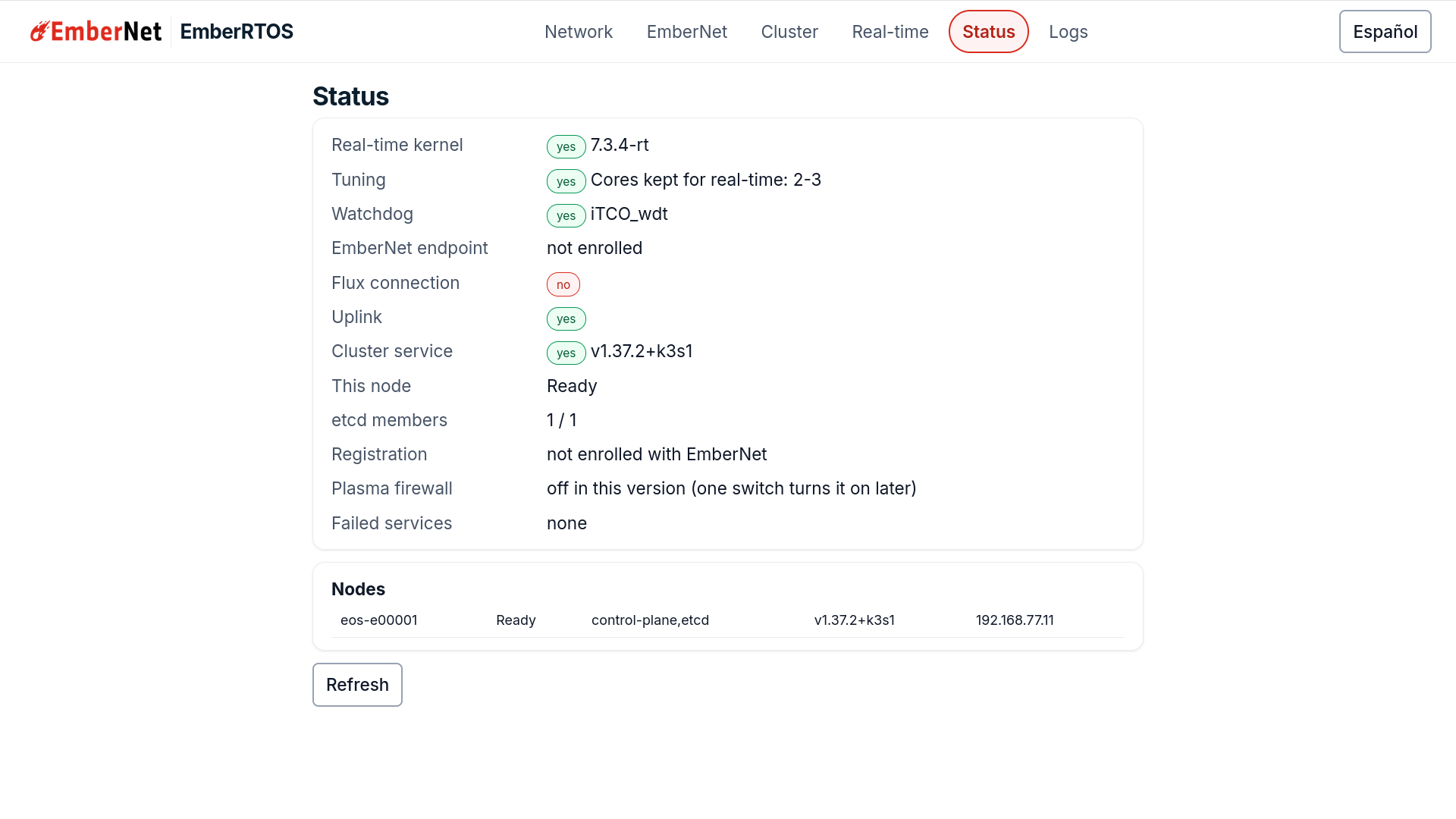
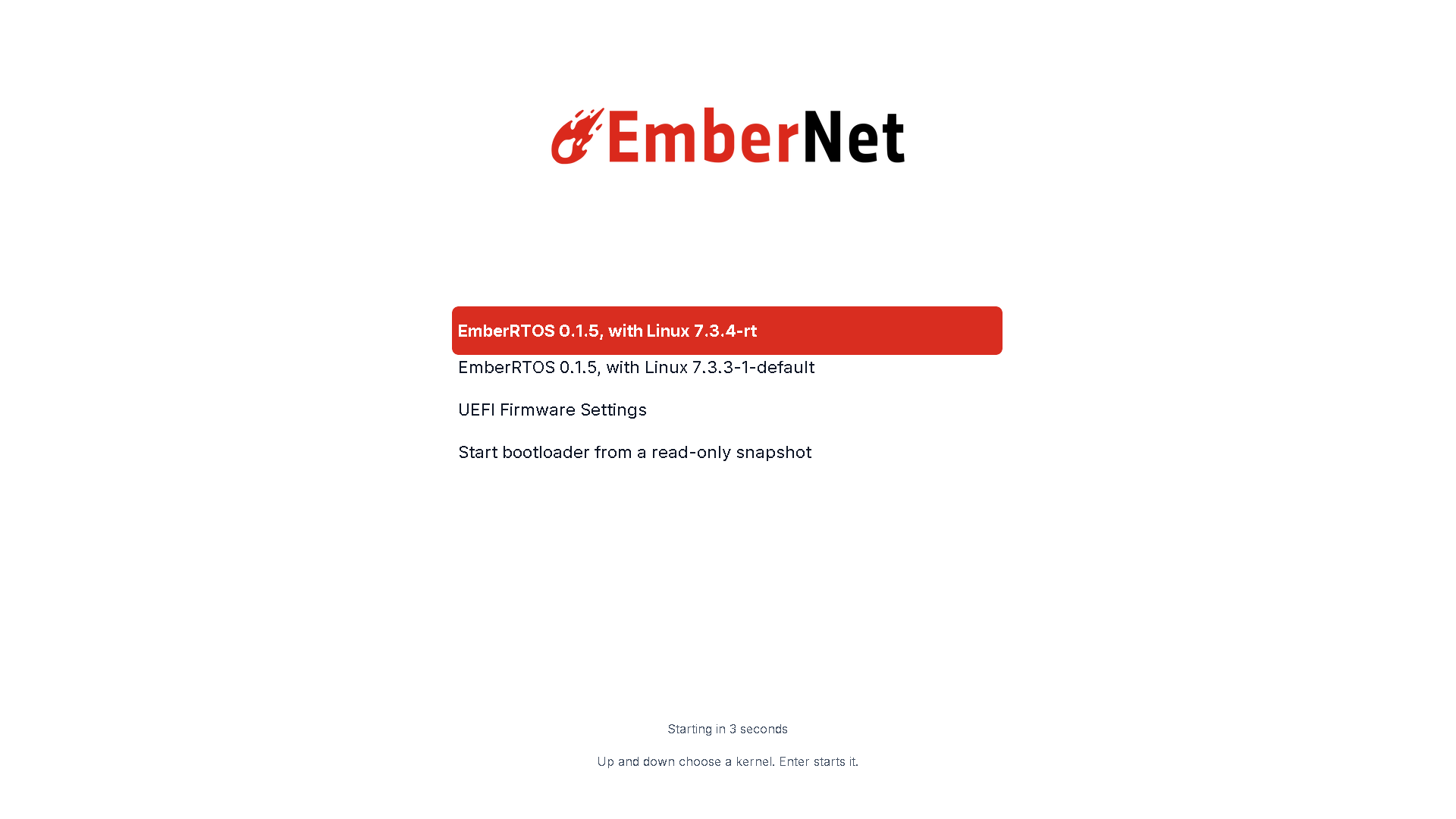
Every edition boots to its own screen and starts a full-screen setup app on the machine's display. A person at the box can set the network ports, enroll it in EmberNet, and start or join a cluster without anyone connecting in.
The editions
This page describes EmberRTOS 0.1.11, the current release. Every edition carries the same node: the cluster service, the EmberNet endpoint, the Plasma firewall as a container (off by default), the maintenance login, the keyed install, and a signed update repository. An edition only adds or leaves out its own kernel and its own screen.
| Edition | Kernel | Runs on | Built for |
|---|---|---|---|
| Headless RT | Real-time, with the general-purpose kernel beside it | x86_64 industrial PCs, Raspberry Pi 4 and 5 | Motion control, PLC and SCADA runtimes, drive timing. Anything with a hard deadline |
| Headless | General-purpose | x86_64 industrial PCs, Raspberry Pi 4 and 5 | Container hosts, gateways, telemetry, general edge compute |
| Desktop | General-purpose | x86_64 | Operator stations and line-side displays, with a full desktop in EmberNet's look |
All three editions get the same branding, the same transactional update model, and the same management surface. Headless RT boots its real-time kernel by default, and the general-purpose kernel is listed beside it in the boot menu. Headless and Desktop run the general-purpose kernel only, and their setup app has no Real-time screen.
The Raspberry Pi has its own images and its own page, because a Pi boots from a card and not from an installer: EmberRTOS on the Raspberry Pi.
Headless and Headless RT also run as virtual machines on an EmberNet cluster, as the EmberRTOS MicroVM, which you can also install from the App Store.
Download
Every image and its checksum is public. Download the image and its .sha256 file into one folder, and check
it with sha256sum -c before you use it.
0.1.11, the current release:
| Edition | x86_64 install ISO | Raspberry Pi 4 and 5 image |
|---|---|---|
| Headless RT | ISO, .sha256 | image, .sha256 |
| Headless | ISO, .sha256 | image, .sha256 |
| Desktop | ISO, .sha256 | None in this release |
The downloads index lists the current release, and latest.json beside it names it.
Why an immutable base
EmberRTOS is immutable by design, so fleets stay reliable at the edge without a technician on site:
- Read-only root filesystem: the OS cannot be accidentally (or maliciously) modified at runtime.
- Atomic, transactional updates: every change lands as an all-or-nothing snapshot; if an update misbehaves, the system rolls back to the previous known-good snapshot.
- Automated maintenance: updates are staged in the background and take effect at the next restart a person plans. The box never restarts itself for an update. See Automatic updates and the restart you plan.
- Container-native: the container runtime is preinstalled, and EmberNet workloads run as containers on top of a minimal, stable host.
Where to go next
Work through the manual in this order:
- First boot and the setup app: install the image, then set the network ports, enroll the box, and start or join a cluster from the machine's own screen.
- EmberRTOS Headless RT: what the real-time kernel is, how to turn it on and off, and how to check it with a standard real-time latency test.
- EmberRTOS Headless: the foundation every edition shares, with updates, rollback, and what is included.
- EmberRTOS Desktop: the edition with a local screen, and how to find the setup app on it.
- EmberRTOS on the Raspberry Pi: the flashable images for the Raspberry Pi 4 and 5.
- EmberRTOS MicroVM: Headless and Headless RT as virtual machines on your cluster.
Tested hardware
- Raspberry Pi 5: boots EmberRTOS, and ran the real-time kernel for 24 hours under load with a worst-case wake-up of 23 µs. See our measurements.
- Raspberry Pi Compute Module 5: boots EmberRTOS.
- Commodity 4-core Intel desktop: ran the real-time kernel under load with a worst-case wake-up of 42 µs.