EmberEdge
EmberEdge is the local EmberNet app for a deployed node. It is optional: any tenant that wants it on its nodes can have it, and a node without it runs as it always has. Operators and the people who look after the box sign in on the node itself, the node keeps its own record of what they do, and that record syncs up to EmberCORE over Flux when the link is there. When the link is down, sign-in and the floor actions keep working, and nothing is lost.
EmberEdge pairs with EmberCORE. EmberCORE is the console for the whole estate. EmberEdge is the screen at the machine.
What it is
| Topic | Detail |
|---|---|
| Where it runs | On the node itself. It is only reachable from the machine it runs on, so nobody can sign in to it from another computer on the plant network. |
| How it ships | As a small, locked-down container with no shell. It runs as an unprivileged user with a read-only filesystem. |
| What it keeps | The box's sign-in list and settings, which come down from EmberCORE, and a journal of what happens on the box, which goes up. |
| How it reaches EmberCORE | Over Flux first. If Flux is not carrying the sync, over HTTPS to EmberCORE as the backup. With neither, it works on its own and sends later. |
Who signs in
| Sign-in | Who | How |
|---|---|---|
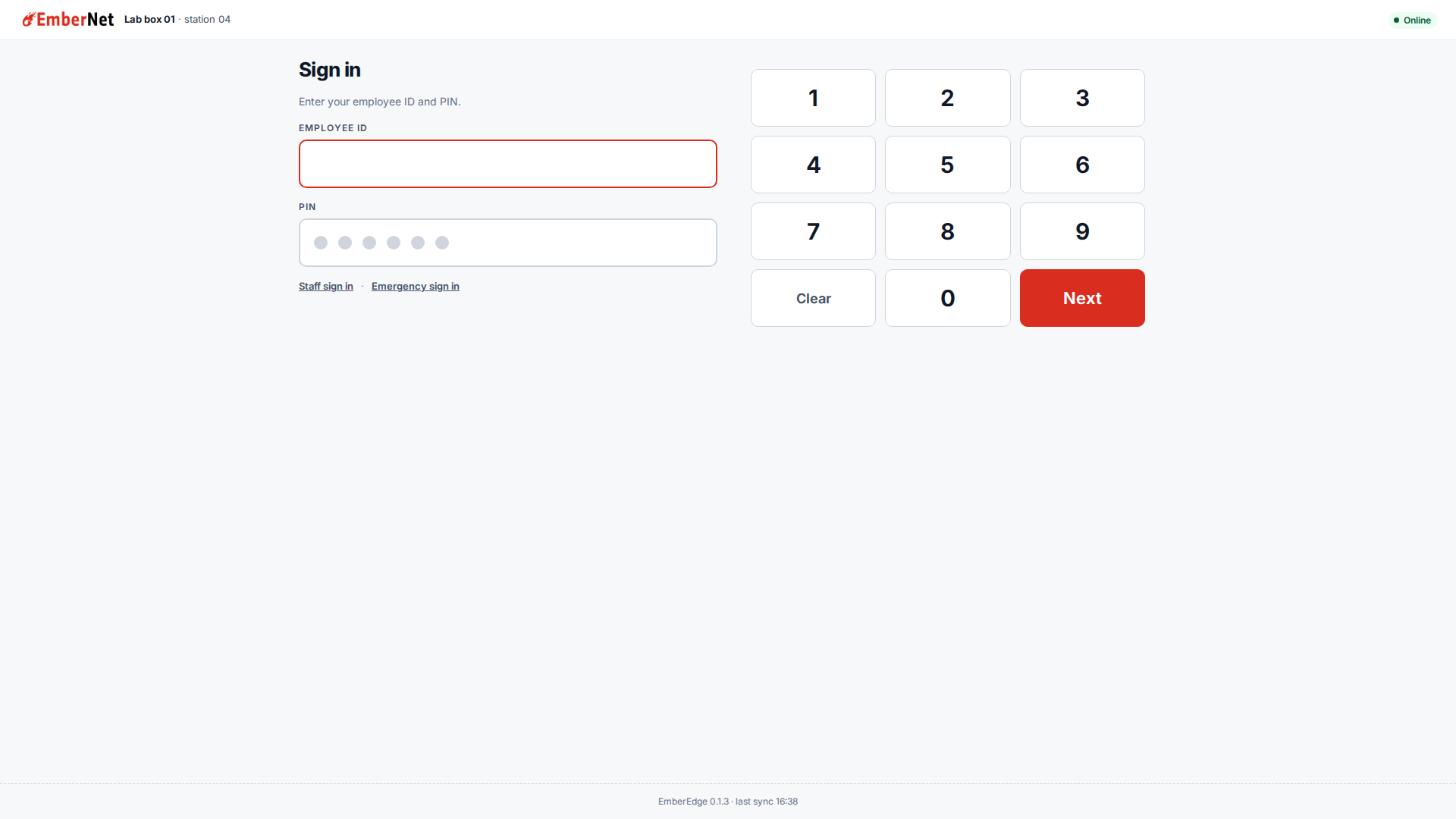
| Operator | People on the floor | An employee ID and a PIN, checked against the sign-in list EmberCORE sent to the box. It works with no link. |
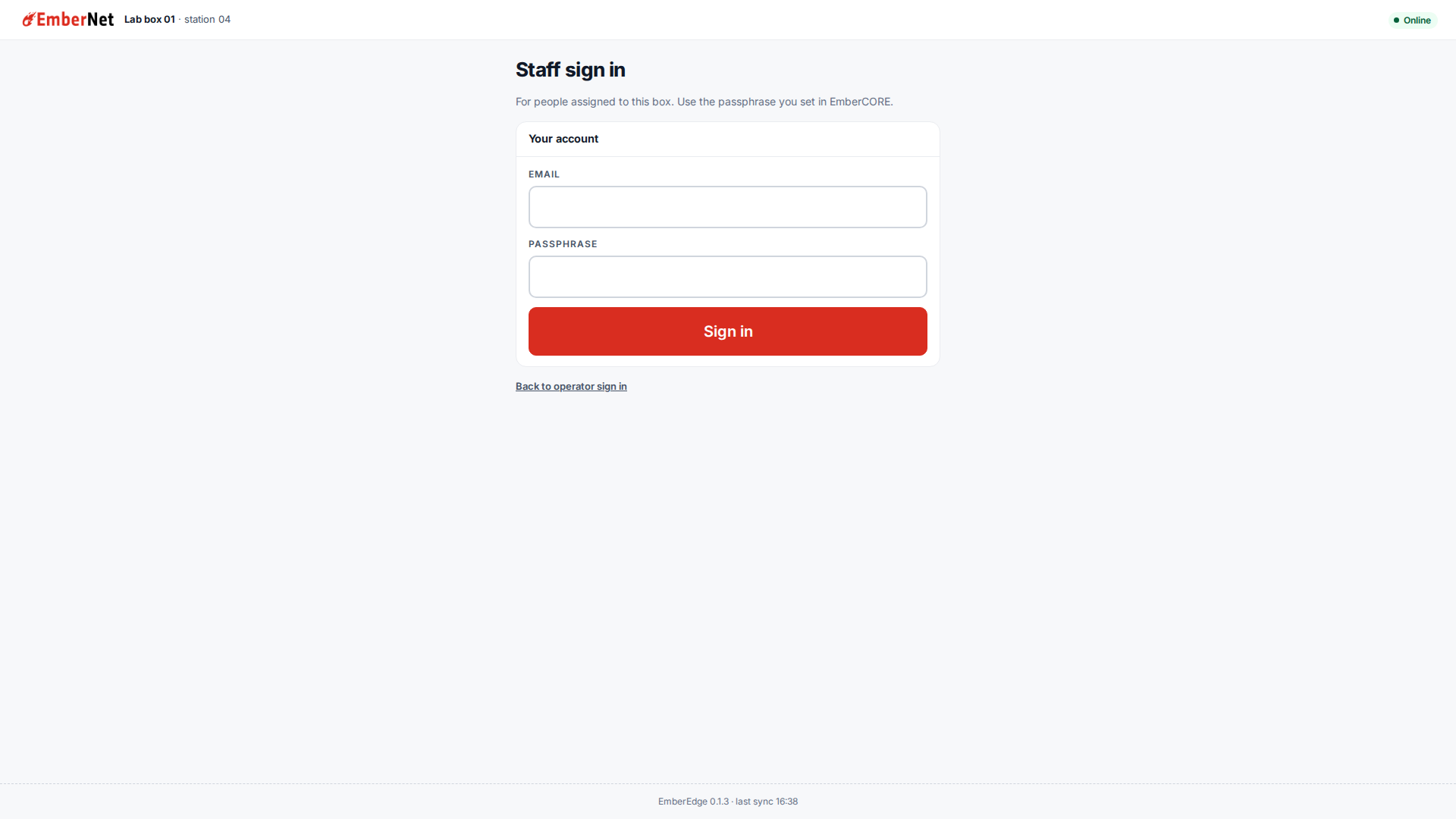
| Staff | People assigned to this box | An email and the passphrase they set in EmberCORE. Only people assigned to the box get in. |
| Emergency | Fireball staff only | A break-glass login for Fireball staff only, with Admin on the box's tenant. Every use is recorded on the box and sent up when the link is back. |
Repeated wrong PINs lock that ID, and each later lock is longer than the last. A right PIN resets the count, and a restart does not clear the lock.
A session ends after a period of inactivity, and always ends after a long working day. The emergency login ends sooner. When the EmberEdge app restarts, everyone is signed out and signs in again.
Staff sign in is a second door under the keypad.
The sign-in list must be fresh. If a box has gone a long time without syncing, sign-in pauses until it does.
Home
Home is what a person sees after signing in. The header shows who is signed in. Below it are the floor actions, any active alert, and tiles.
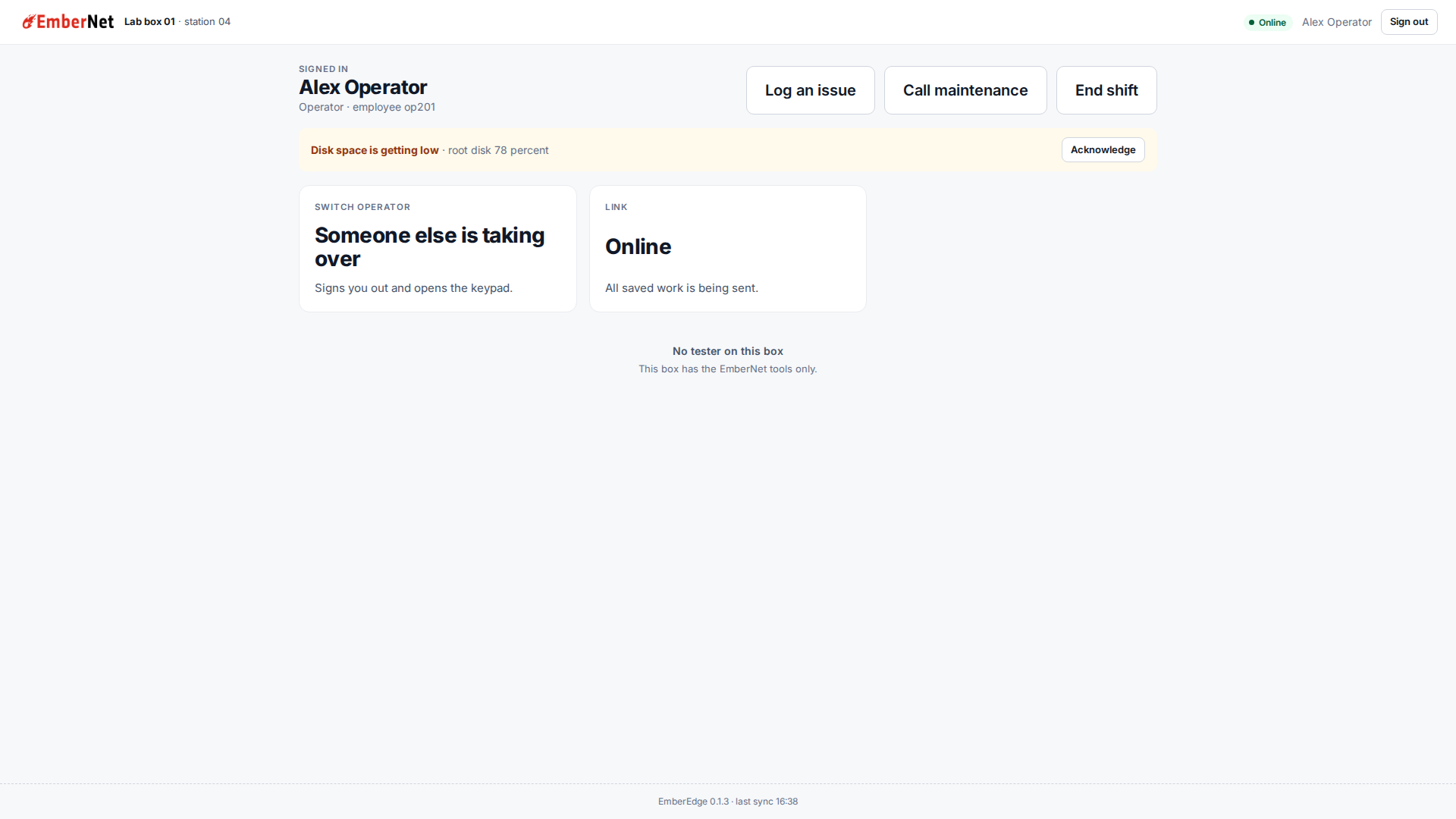
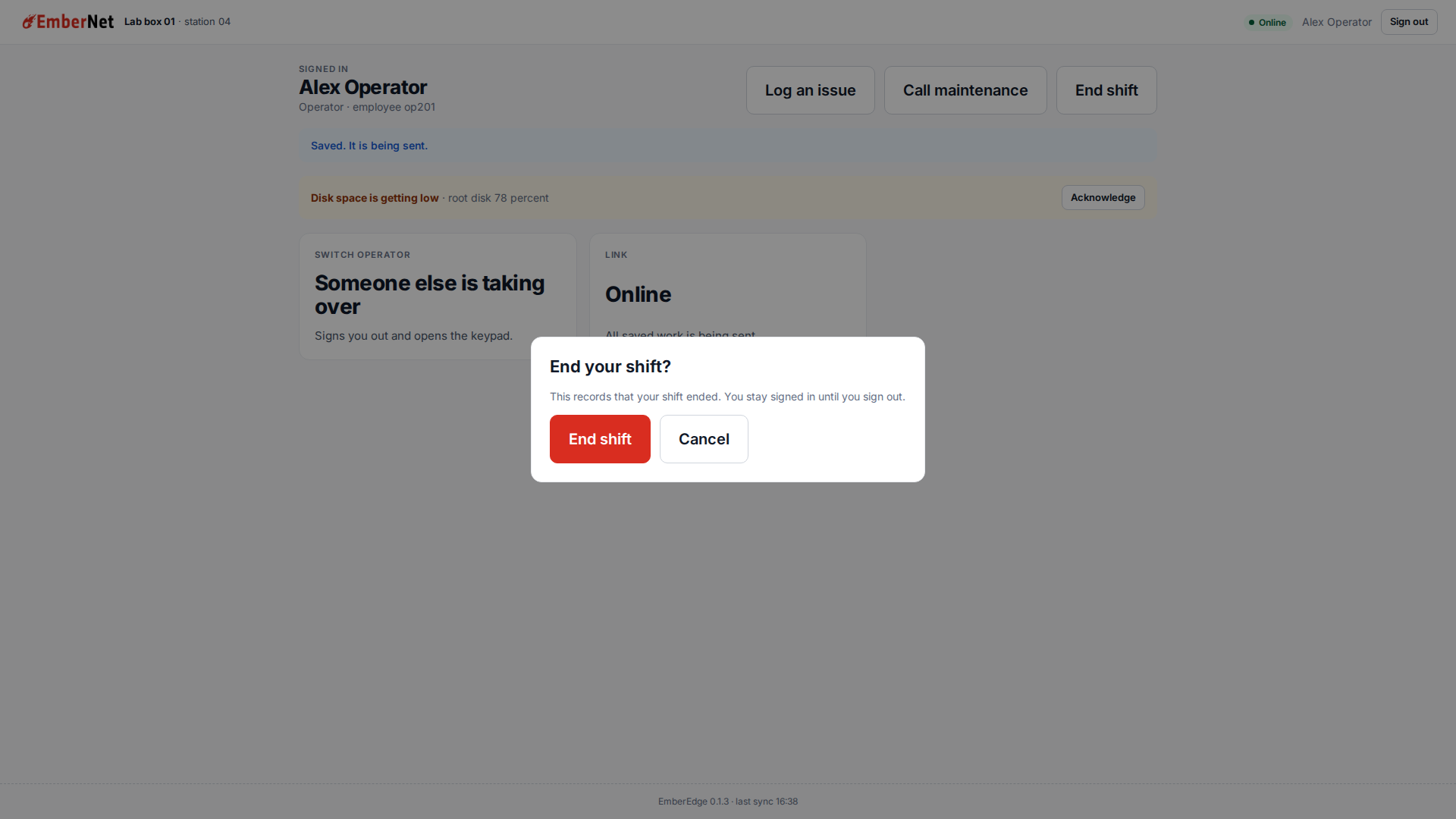
| On Home | What it does |
|---|---|
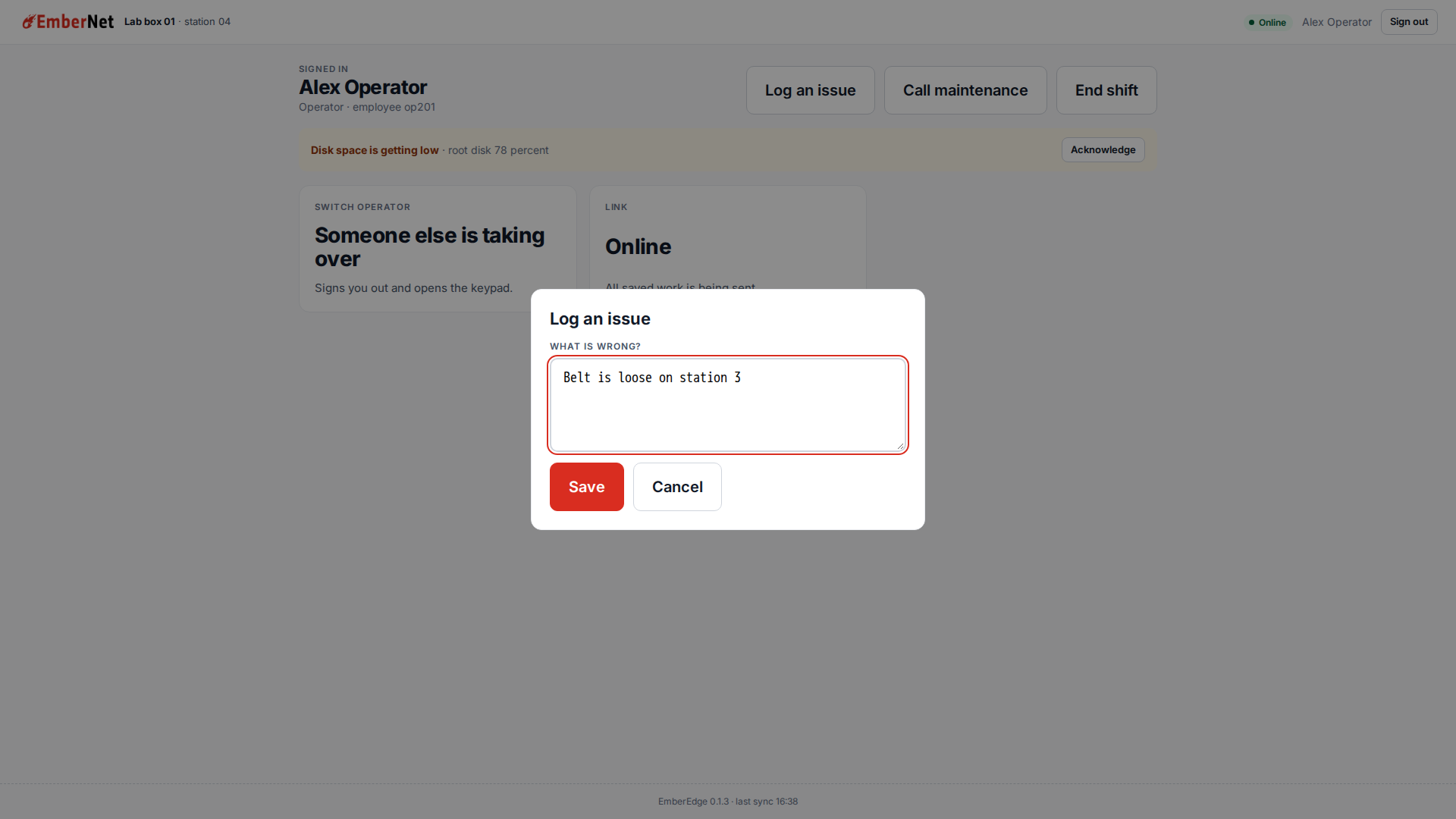
| Log an issue | Saves a short note in the journal under the person's name. |
| Call maintenance | Records a maintenance call in the journal. |
| End shift | Asks first, then records that the shift ended. The person stays signed in until they sign out. |
| Alert bar | Shows an active alert from the box, for example low disk space. Acknowledge clears it and records who did. |
| Switch operator | Signs out and opens the keypad for the next person. |
| Link | Shows Online or Offline and what is waiting to be sent, and opens the Link page. |
| This box | For staff with the Maintenance role or higher. Opens the Box page. |
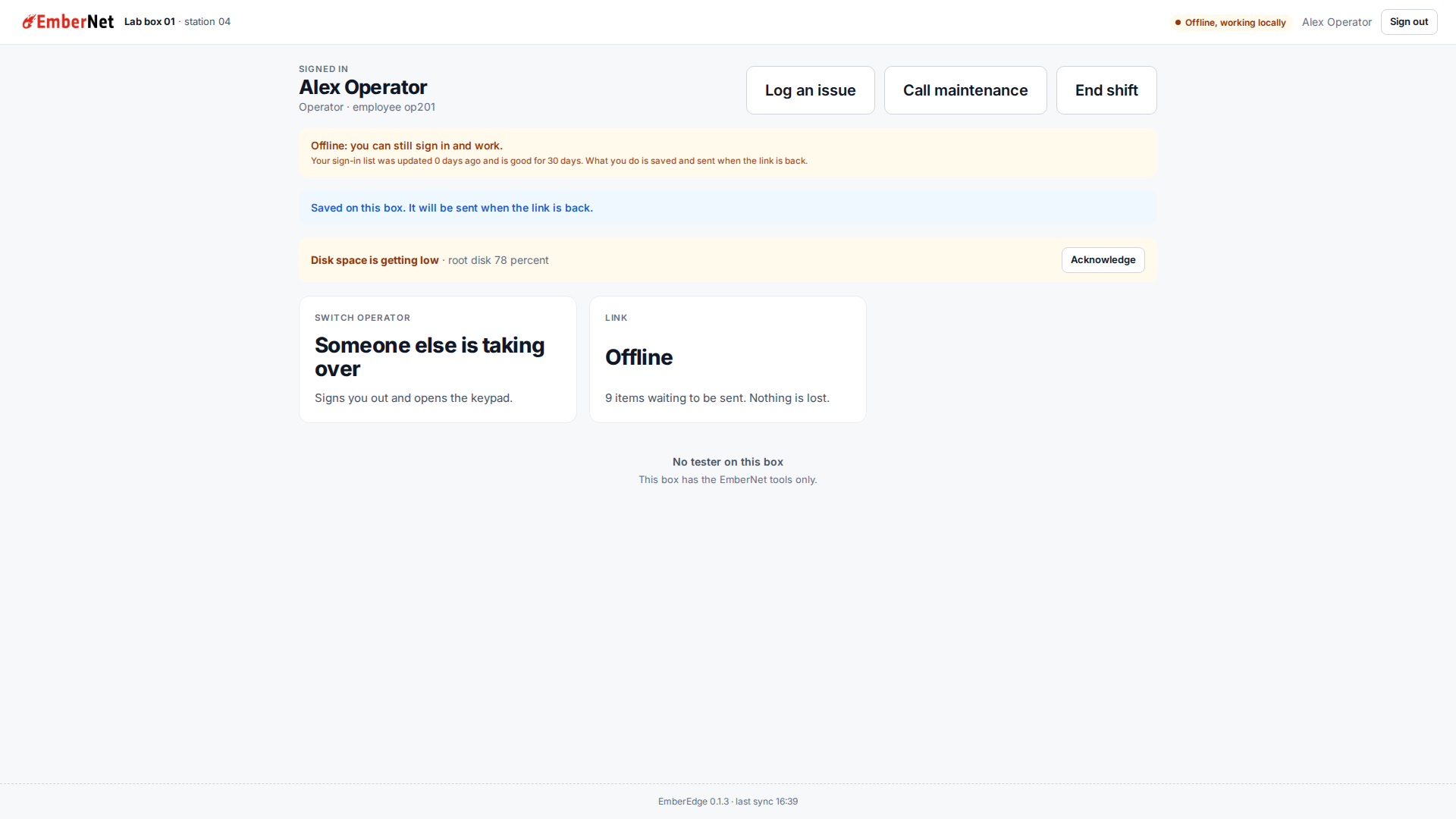
A viewer sees Home with no action buttons. An operator has the three floor buttons and no Box page. On a box with no local operator application, Home says so under the tiles: "No tester on this box. This box has the EmberNet tools only."
The Box page
Staff with the Maintenance role or higher get the Box page from This box. It shows the node's CPU, memory, disk, and uptime, the endpoint's state and the state of each tunnel it reports, the version of each sign-in document the box holds, the sync state, and the journal, newest first, with each item marked Sent or Waiting. Sent items stay for a week. Operator view returns to Home.
The Link page
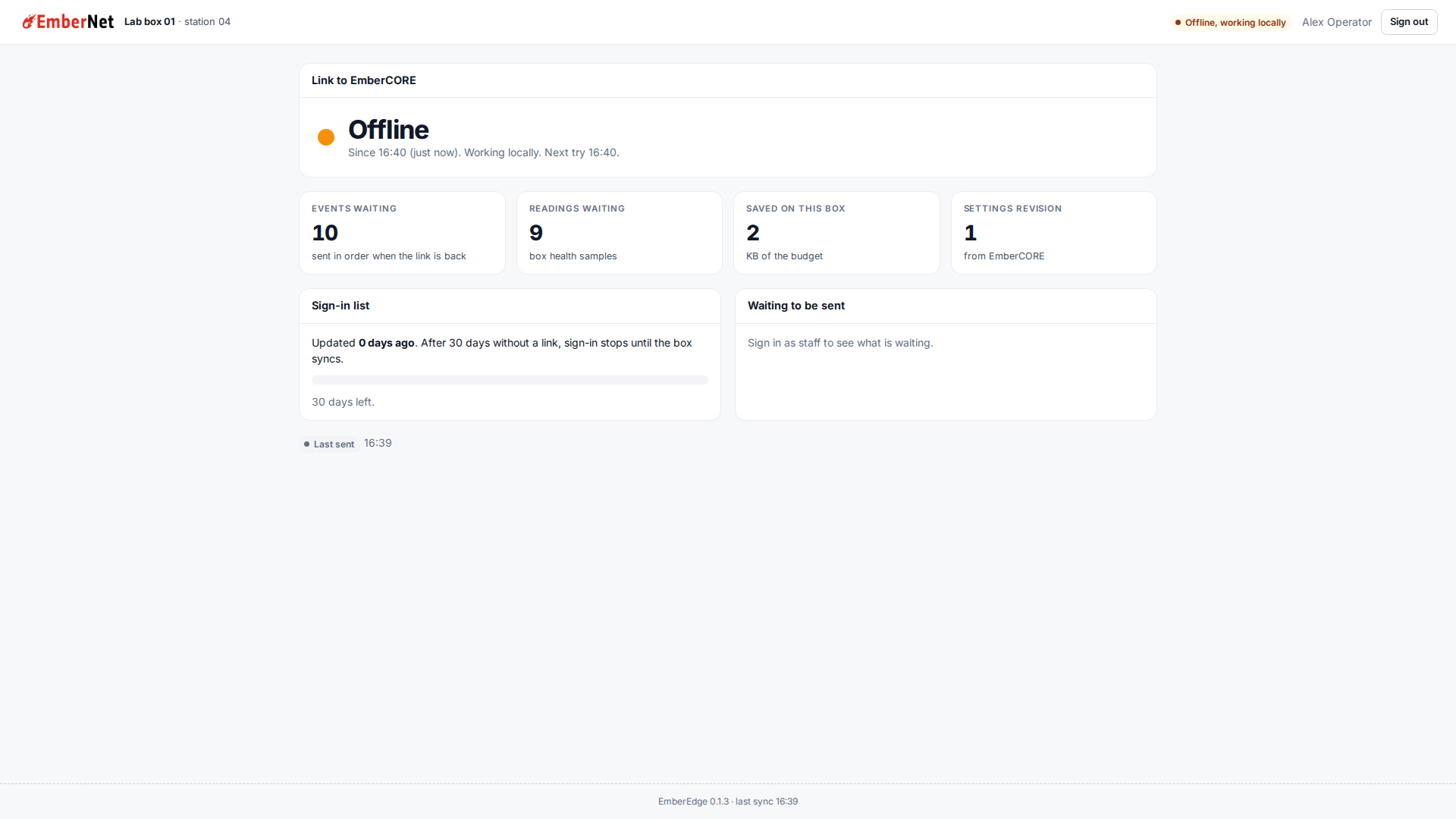
The pill at the top right of every screen shows the link. Press it, or the Link tile, to open the Link page. It works signed out as well.
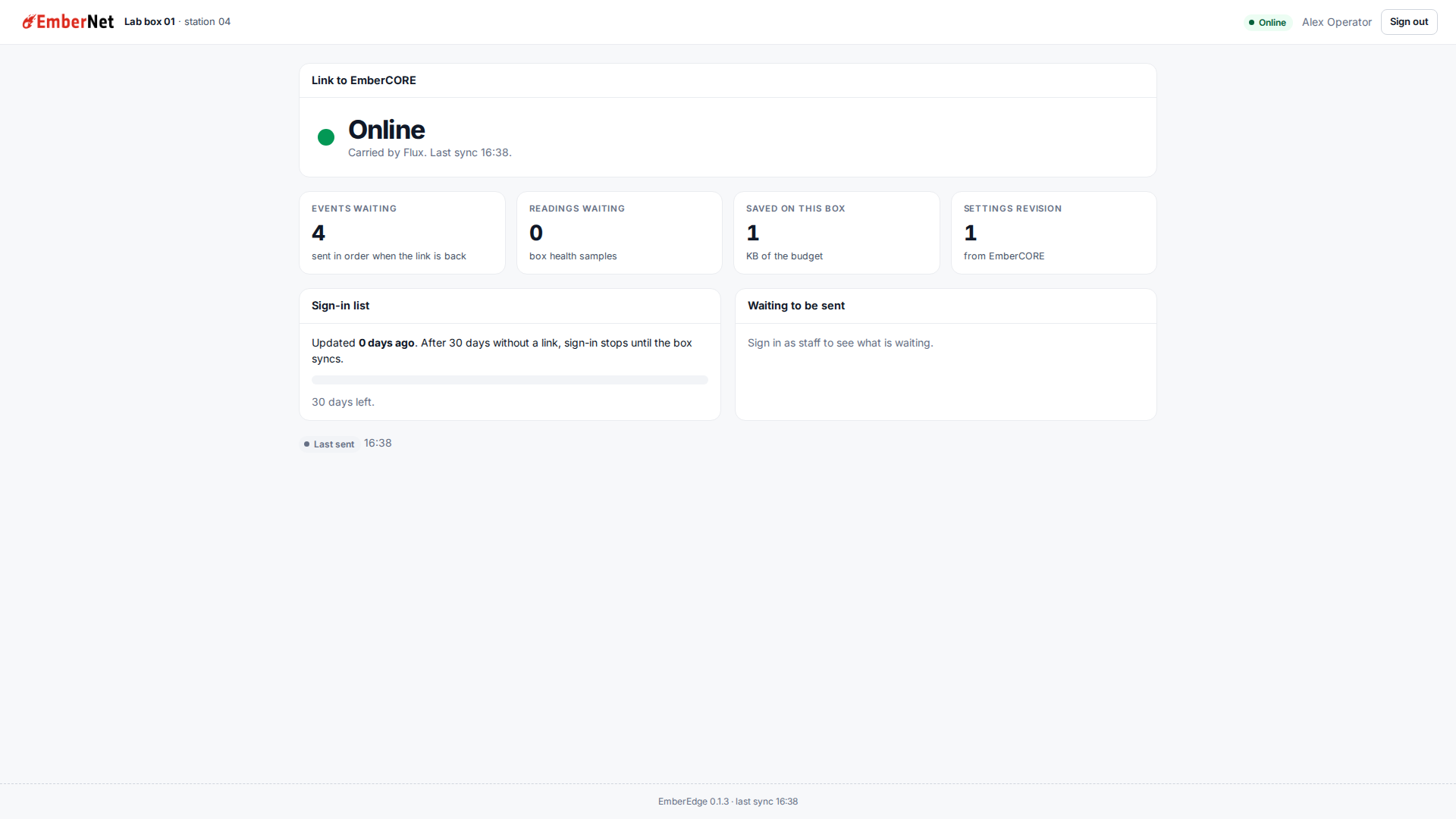
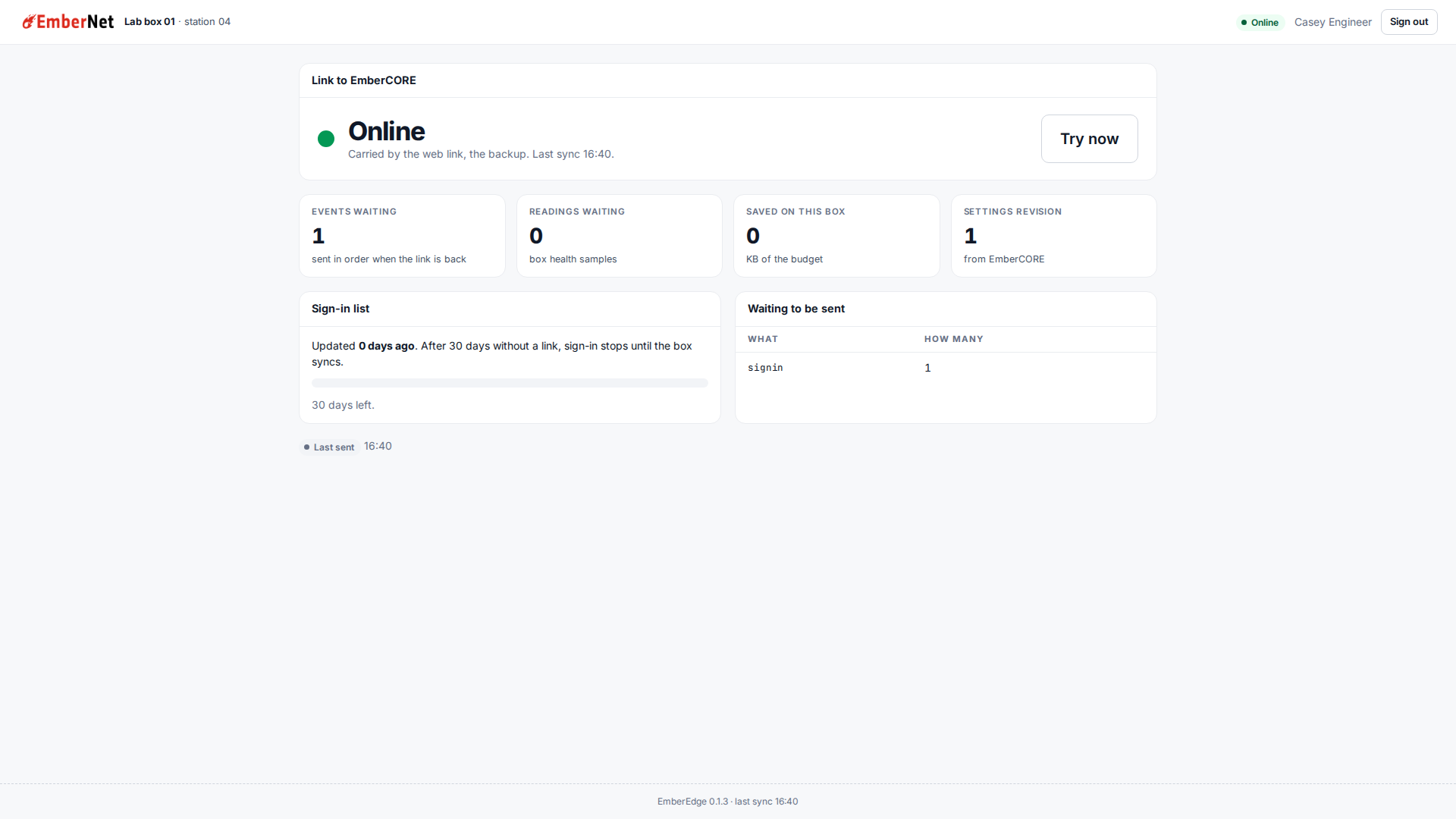
The page says how the box is reaching EmberCORE, how many events and readings are waiting to be sent, how much of the box's journal space is used, which settings revision it holds, and how old the sign-in list is. Staff also get Try now, which forces a sync.
Flux first, HTTPS as the backup
The sync tries Flux first. If Flux is not carrying it, EmberEdge syncs over HTTPS to EmberCORE and the Link page says so. While it is on the backup, it keeps trying Flux and goes back as soon as Flux answers.
With no link
With neither path up, the pill reads Offline, working locally. People sign in with the list the box already holds, and what they log is saved on the box and sent in order when a link is back.
Version
This page describes EmberEdge 0.1.3. EmberEdge runs on Linux nodes. A supervisor sets a person's permanent PIN; a temporary PIN works and shows a banner until then.