Data
Data is where the information your nodes keep and move is managed. Its tabs are Volumes, Cloud sync, and Broker.
Volumes
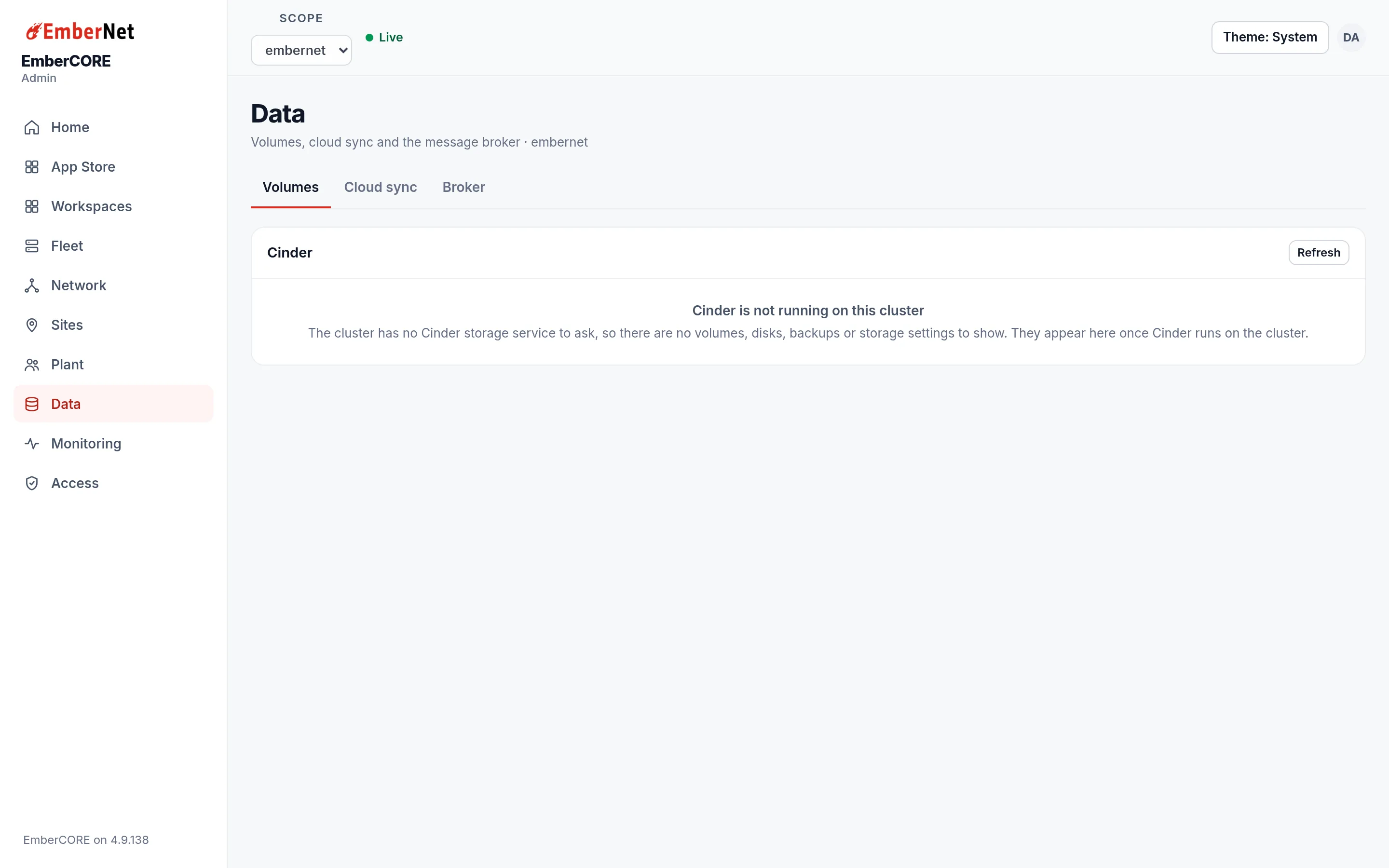
Volumes is the console for Cinder, EmberNet's replicated storage. When Cinder runs on a cluster, this tab shows counters for volumes, healthy volumes, degraded volumes, faulted volumes, and detached volumes, followed by disks, volumes, recurring jobs, backups, and storage settings. You can create a volume, set a backup target, and schedule recurring snapshot and backup jobs from here.
On a cluster that does not run Cinder, the tab says so and shows nothing else, as in the screenshot. The Storage page covers capacity, health, and backups in detail.
Cloud sync
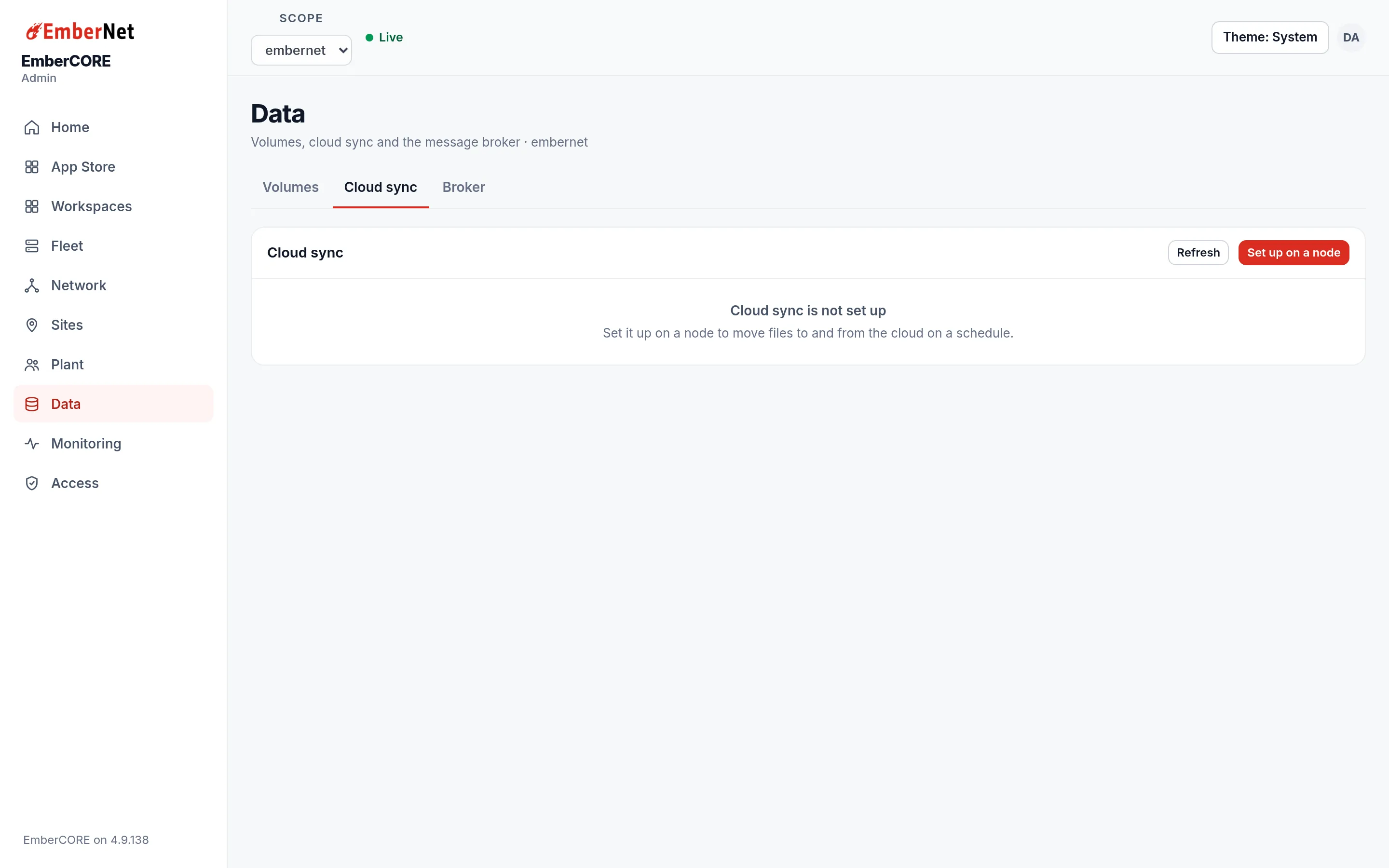
Cloud sync moves files between a node and cloud storage on a schedule. Until it is configured, the tab shows Set up on a node. Once a node is set up, this tab shows its status and lets Admins run a sync on demand.
Broker
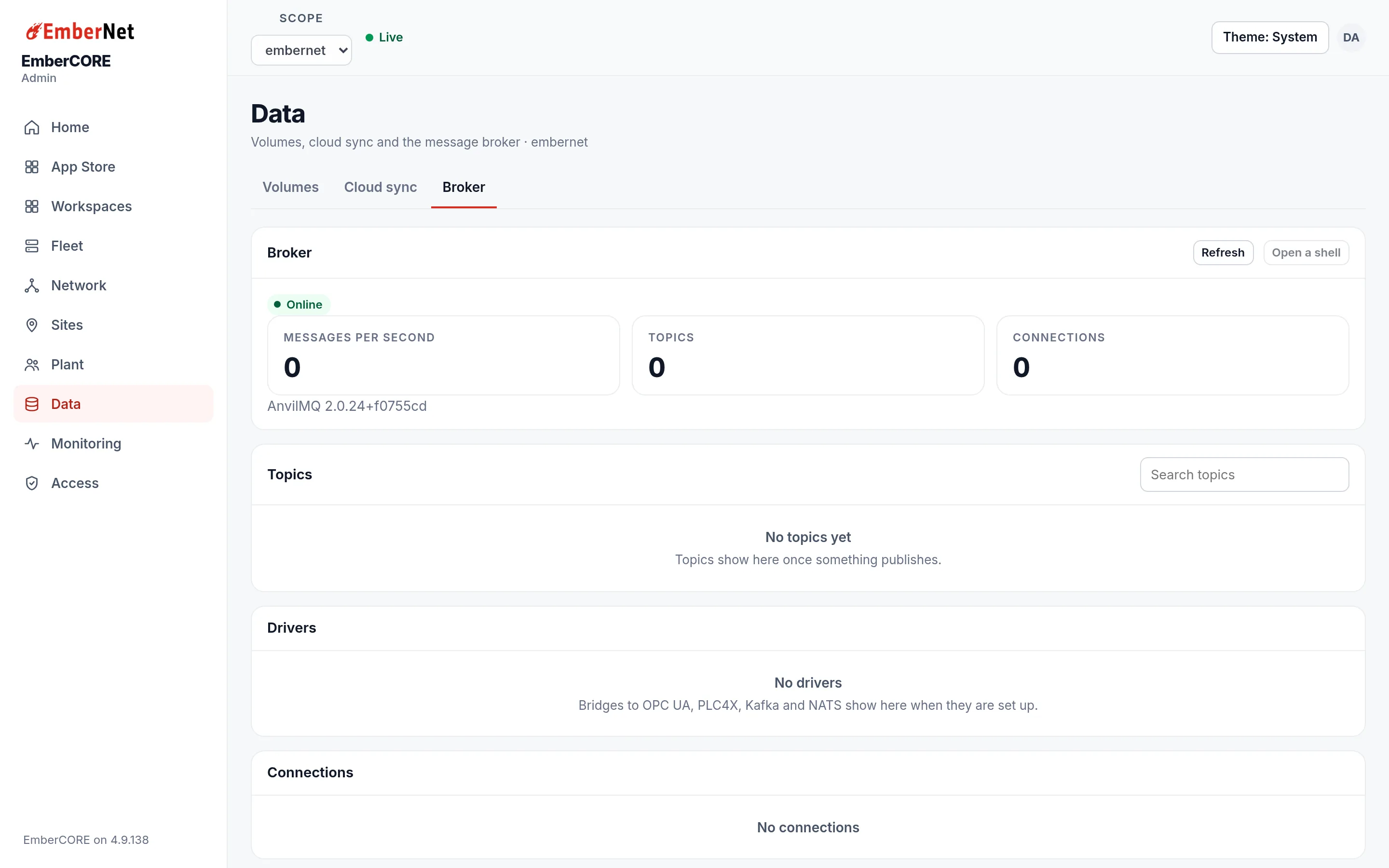
Broker shows the state of AnvilMQ, the platform's MQTT broker. The status line says whether the broker is online and which version it runs. The counters show Messages per second, Topics, and Connections. Below them:
- Topics lists what is being published, with a search box.
- Drivers lists the bridges that bring in protocols such as OPC UA, PLC4X, Kafka, and NATS.
- Connections lists the clients connected right now.
- Users and ACLs manages broker credentials for Admins.
Topics fill in as soon as something publishes, so an empty list on a new tenant is normal. If the status is not Online, check the node that hosts the broker in Fleet.