Workspaces
Workspaces is where you work inside things, rather than look at them. Its tabs are Ignition, Ignition Edge, Sessions, and Docs & support.
Ignition and Ignition Edge
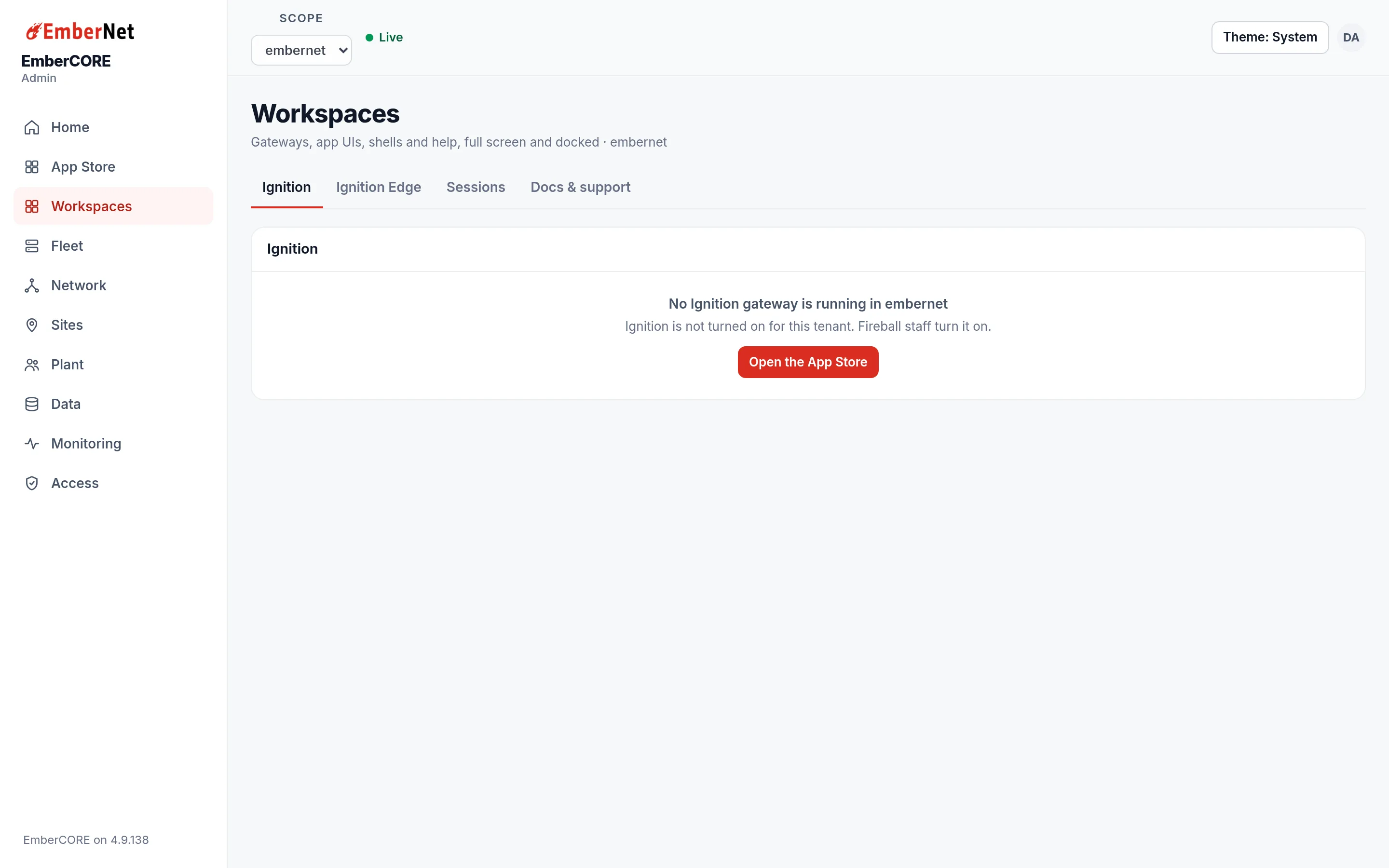
These tabs open the gateway for your tenant, full page, inside the console. If no gateway is running yet, the tab says so and offers Open the App Store so you can deploy one. Ignition Edge works the same way for a gateway at a site, and a tenant sees the tab only when Ignition is turned on for it.
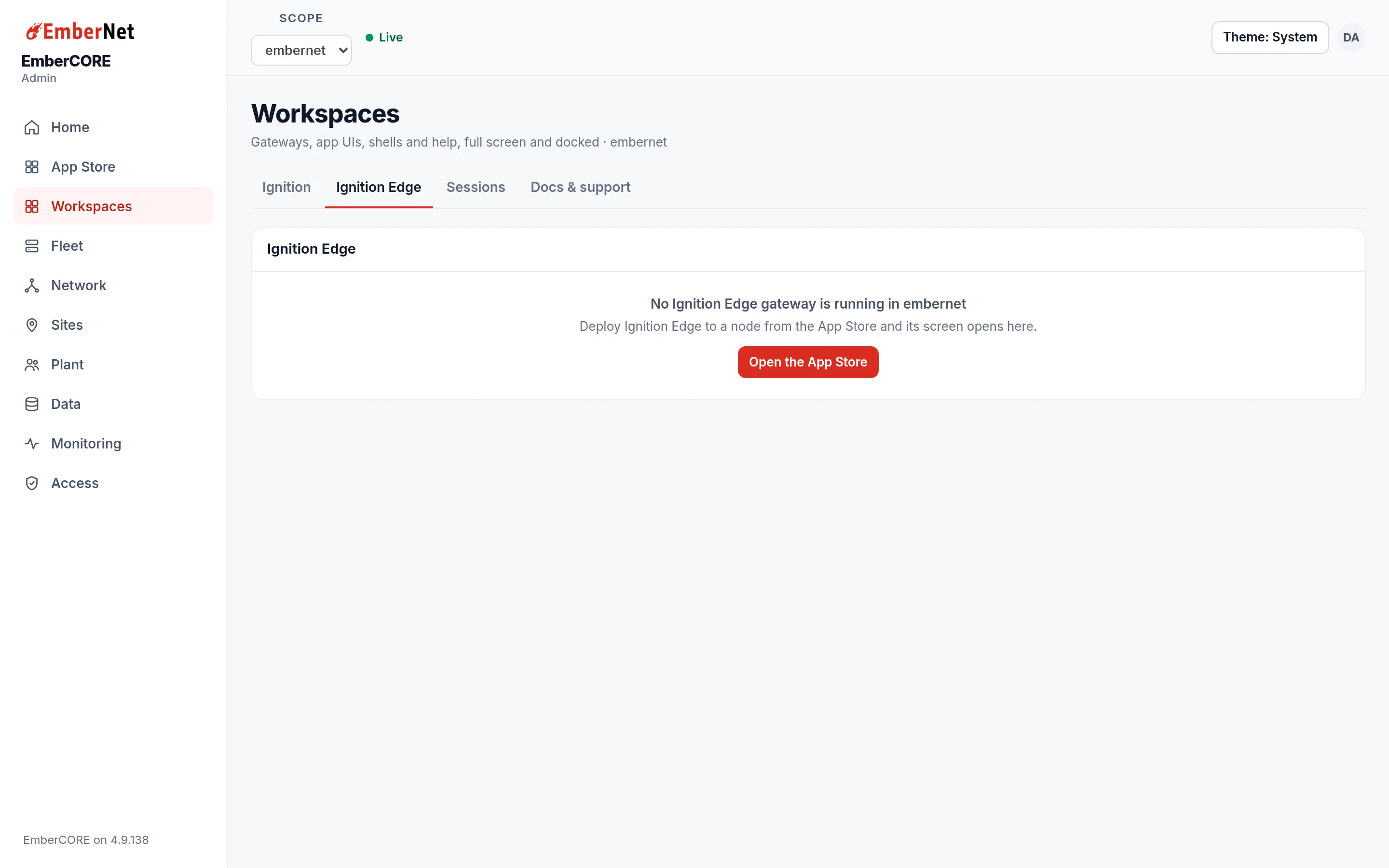
See Ignition and Ignition Edge.
Sessions
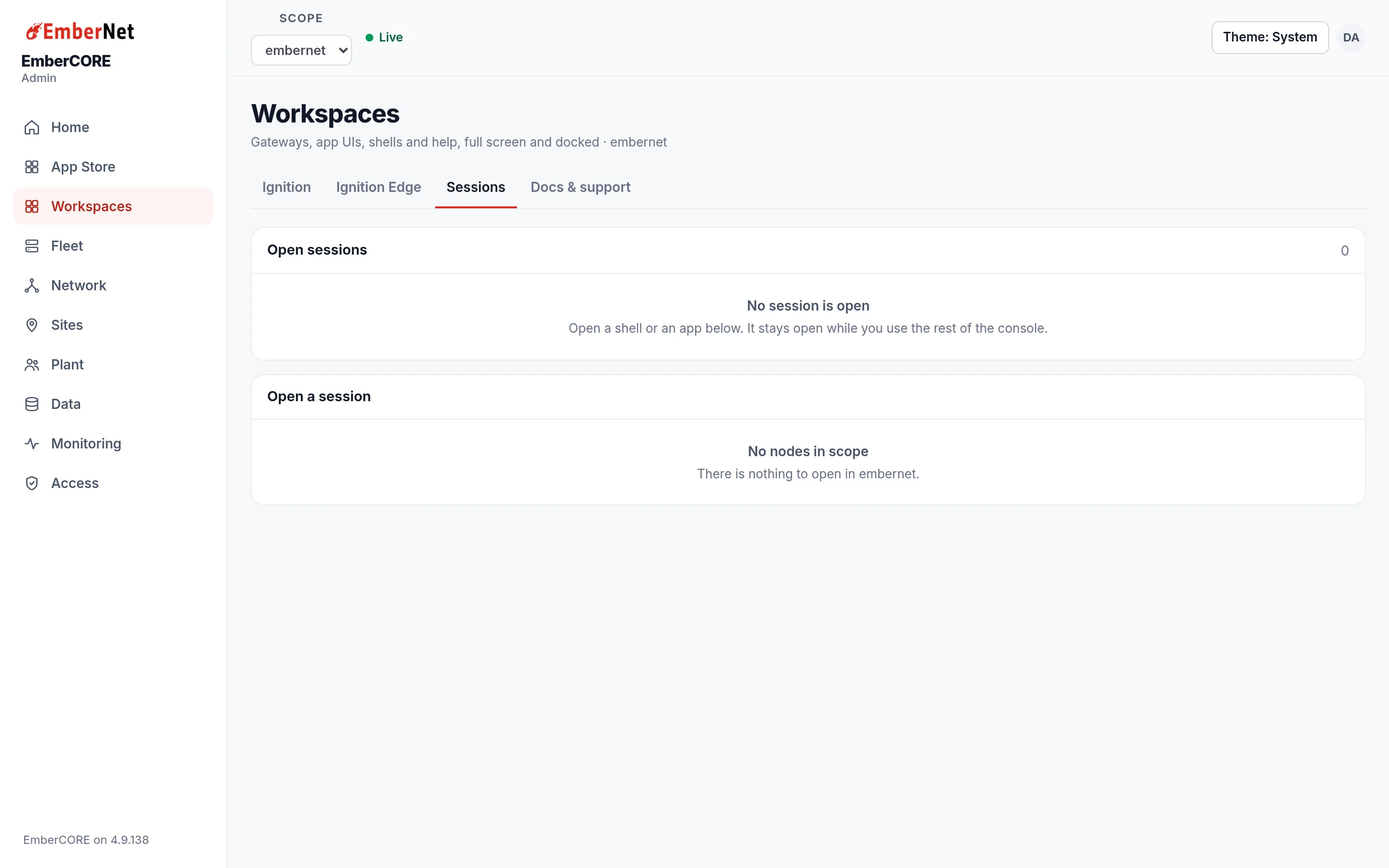
Sessions keeps your shells and app screens open while you move around the console. Open sessions lists what is already open. Open a session lists, node by node, everything you can open: a Node shell, each app's App screen, and a Pod shell or app-specific shell where the app offers one. Shells are for Admins.
Docs & support
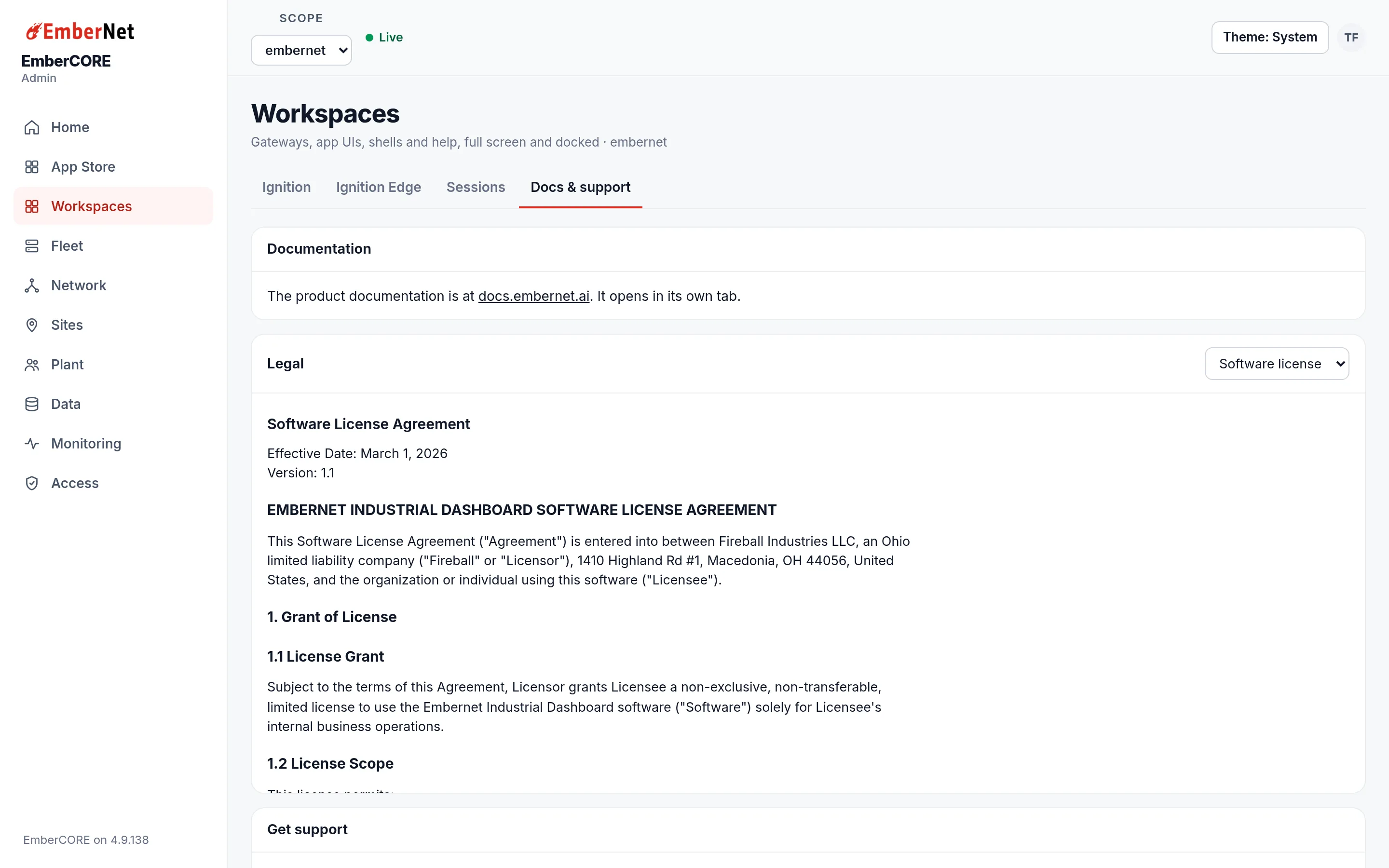
This tab links to these docs, shows the software license, and has a Get support form. Your email and name are filled in for you; add a subject and a priority, describe the problem, and the request goes to the EmberNet team.