Sites
Sites organizes your estate the way people talk about it: plants, buildings inside them, and the operational technology devices in those buildings. It has tabs for Sites, Devices, and Probes.
Sites
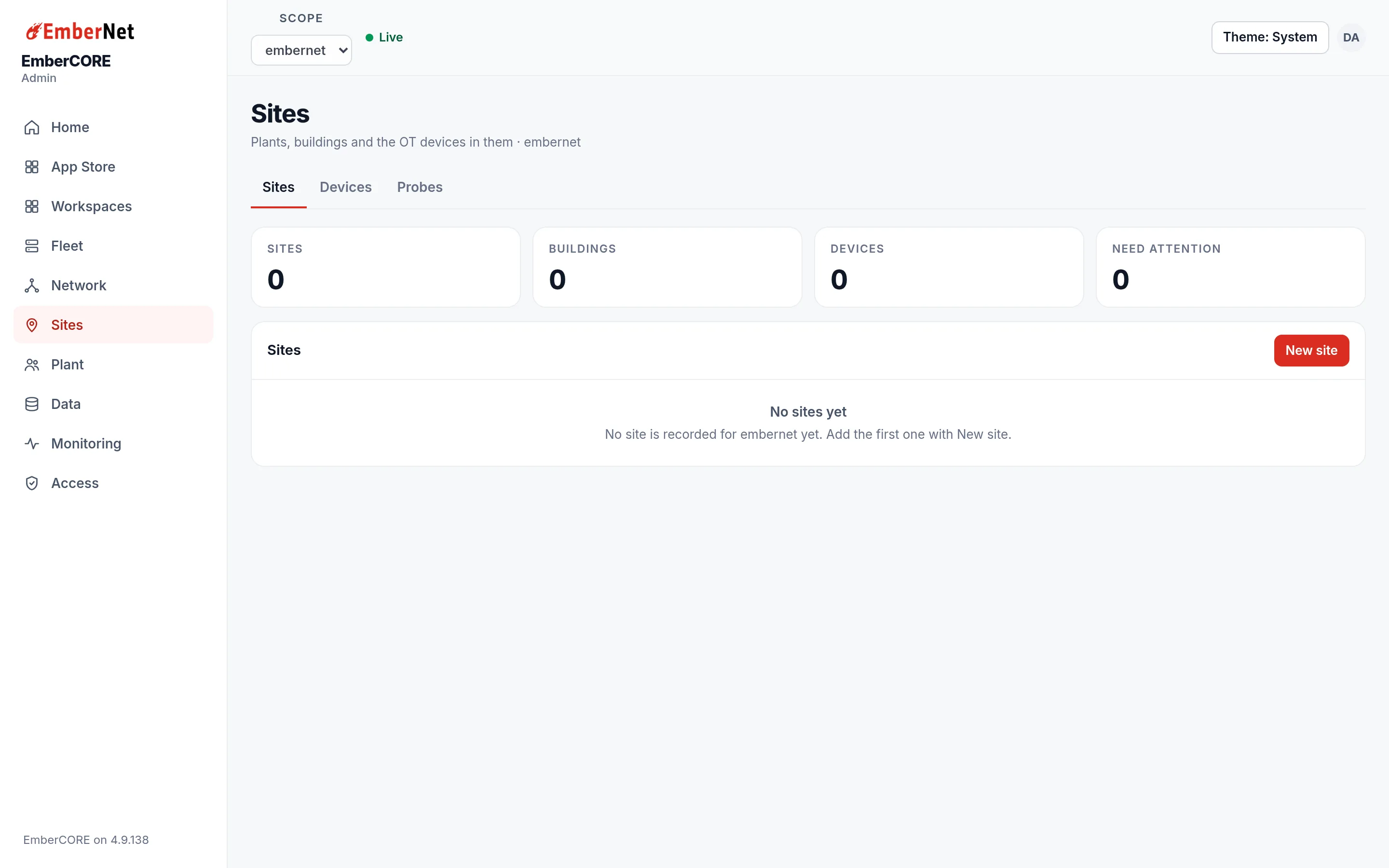
The counters at the top read Sites, Buildings, Devices, and Need attention. Each site appears as a card with its name, location, and status, and with how many buildings and devices it holds. Select New site to add one.
Click a site to open it. You can add buildings to it by name, with an optional floor, or delete the site. Writes here are for Admins and above; everyone else can read.
Devices
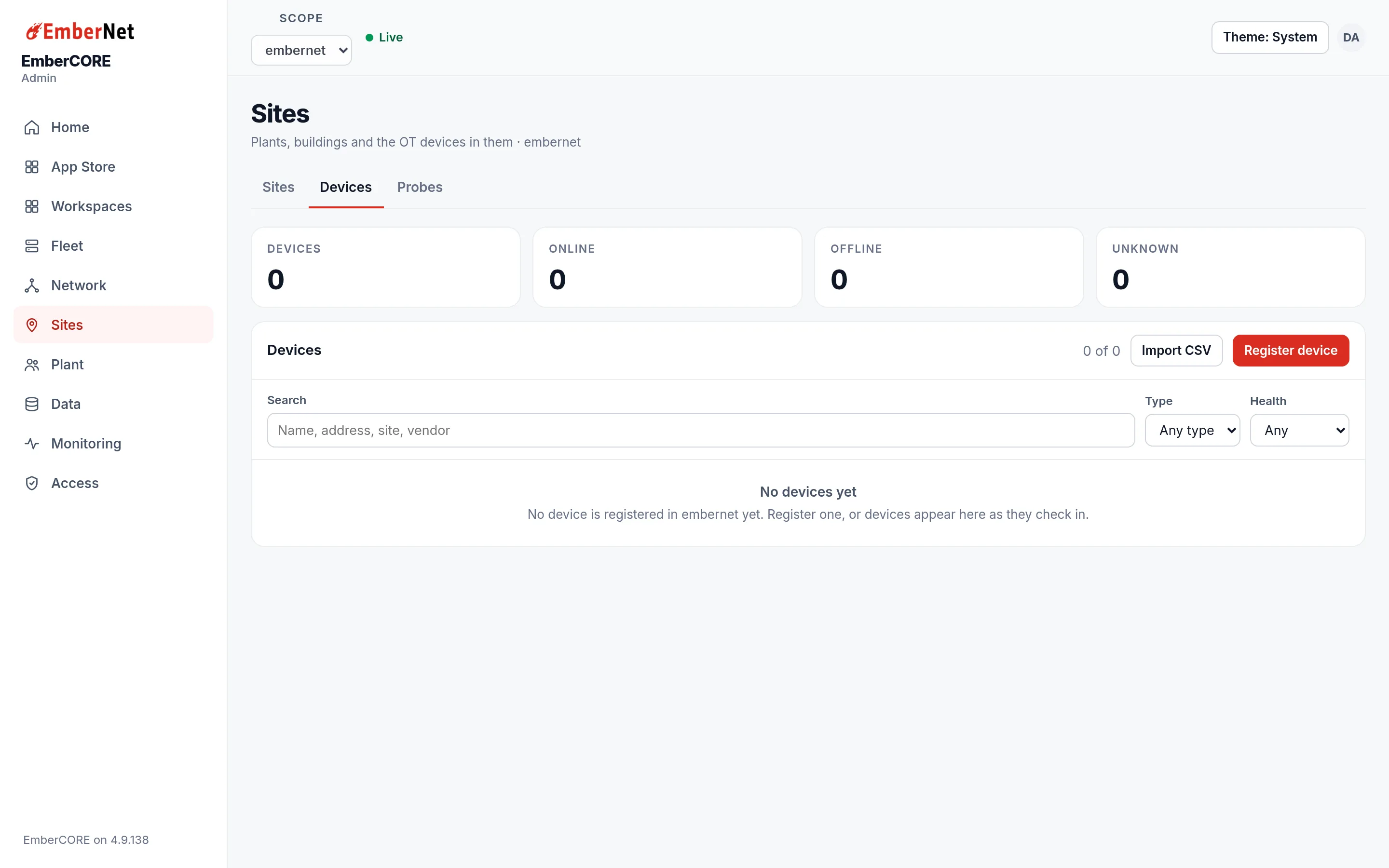
The Devices tab is the registry of equipment at your sites. It shows counters for devices that are online, offline, and unknown, and a searchable table you can filter by type and health. Admins can register a device or import many at once from a CSV file. Devices appear here as they check in, and the Device Monitor page explains how health is decided.
Probes
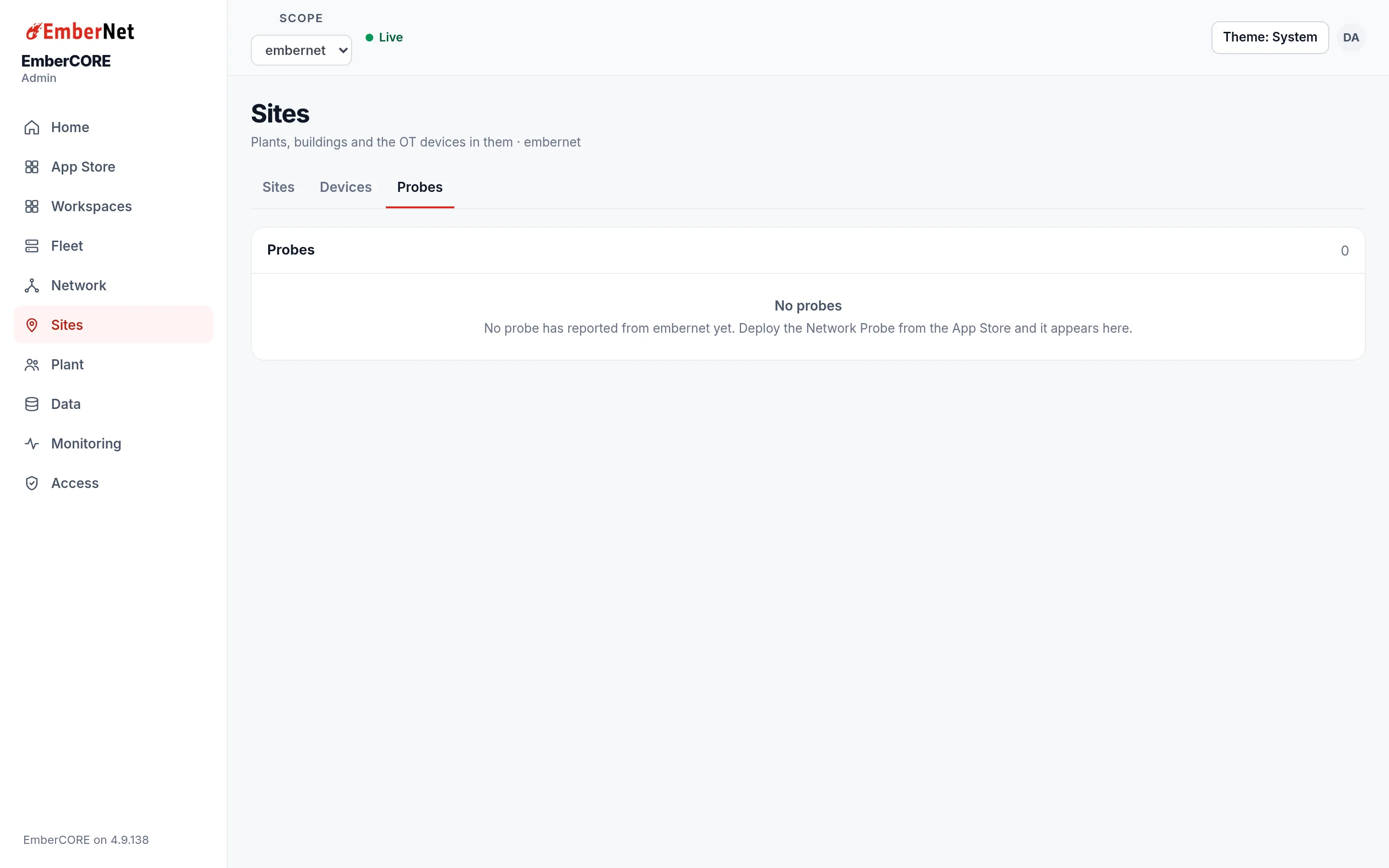
Probes lists the network probes that report from your sites. A probe is an app you deploy from the App Store, and it shows up here once it has reported in.