Plant
Plant is for the people on the floor. Plant Supervisors and Admins manage the roster of operators here, and the roster is what lets those operators sign in to the plant's stations.
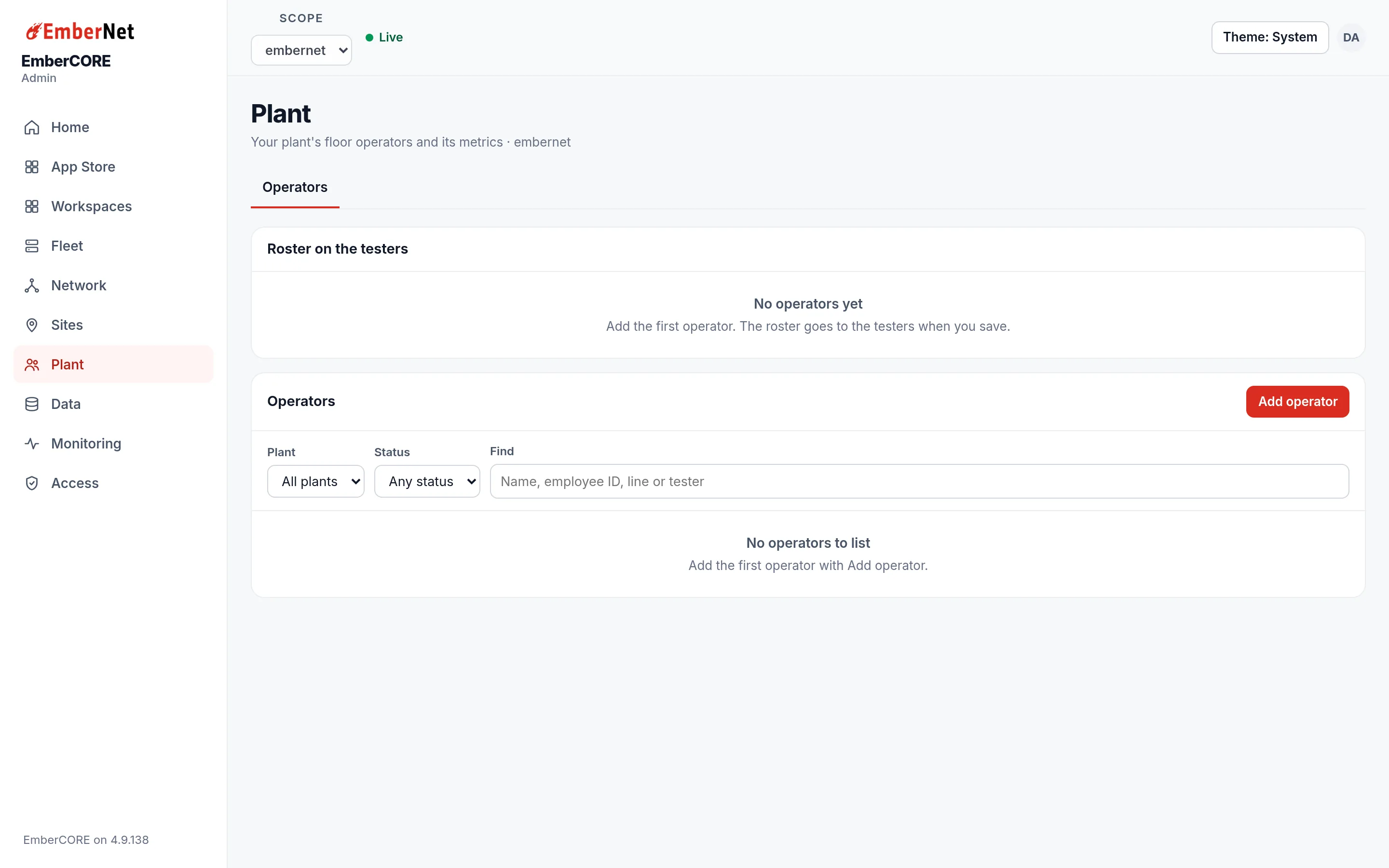
The Operators tab has two panels. Roster on the testers is where the roster is kept for the plant's stations, and the panel explains that the roster goes to the testers when you save. Operators lists every operator with a filter for plant, a filter for status, and a search box that matches name, employee ID, line, or tester. Select Add operator to add one. A new tenant starts with no operators, and the panel says so until you add the first.
The roster belongs to the operator's own tenant: an Admin or Plant Supervisor sees and changes only their own plant's operators. For the rest of the people in your tenant, see Access.