Assets and work orders
Hearth was built for plants, so the machine and the work on the machine are first-class.
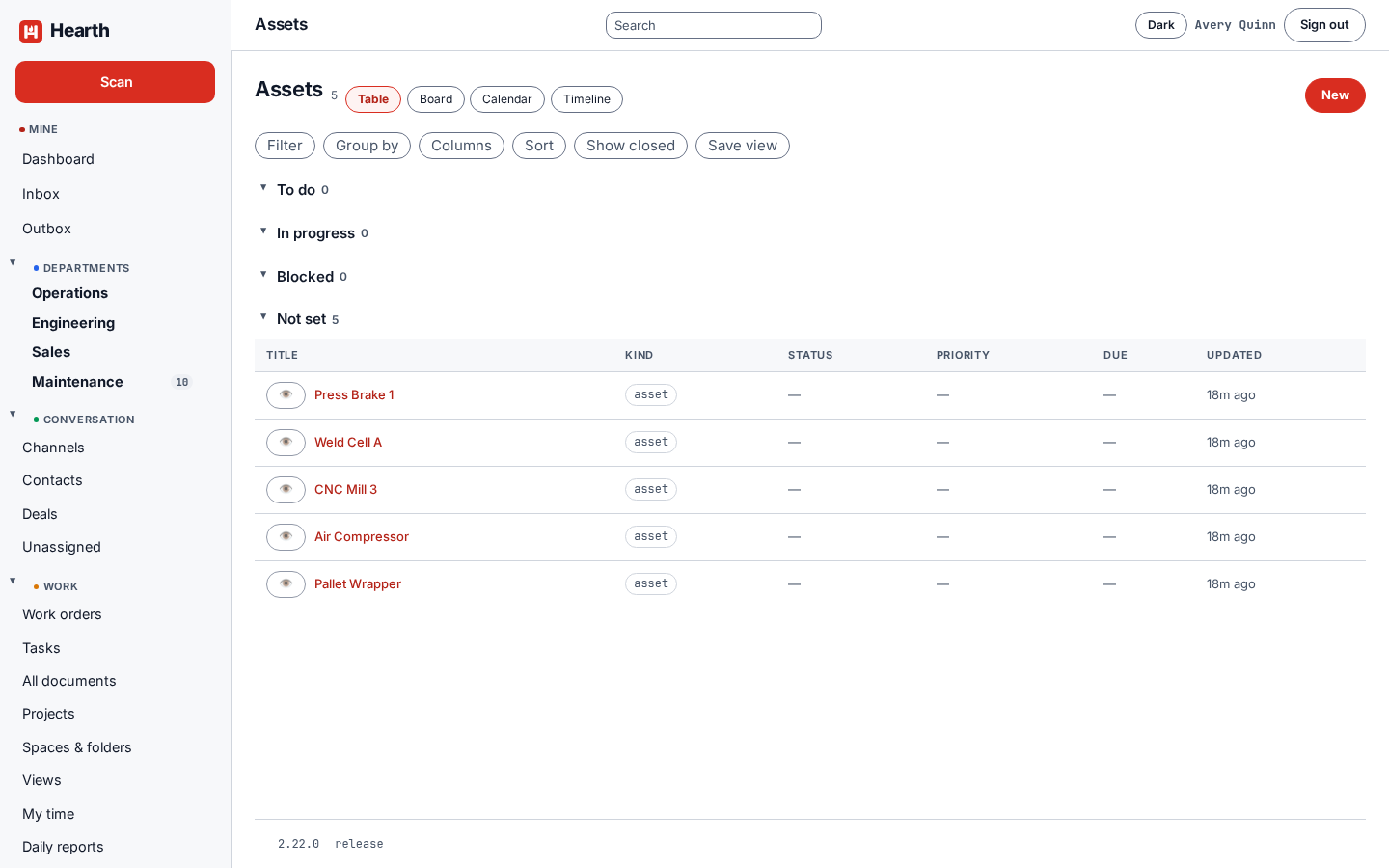
Assets
Open Assets to see your equipment. Open one to see:
- Where it sits. A parent asset, a code, and the dates it was installed and retired. Plant tree shows the whole hierarchy.
- Maintenance effort across its work orders.
- Downtime. Mark down and Back up record a stop as it happens, and Log a past outage records one after the fact. A stop can be flagged Planned. Availability over the last quarter is calculated from what you record.
- Preventive maintenance scheduled on the asset.
- Related work orders, documents, and files.
Print label makes a label for the machine.
Work orders
Open Work orders. They work like tasks, with the same table, board, calendar, and timeline views, plus status, priority, due date, assignees, checklist, attachments, and comments.
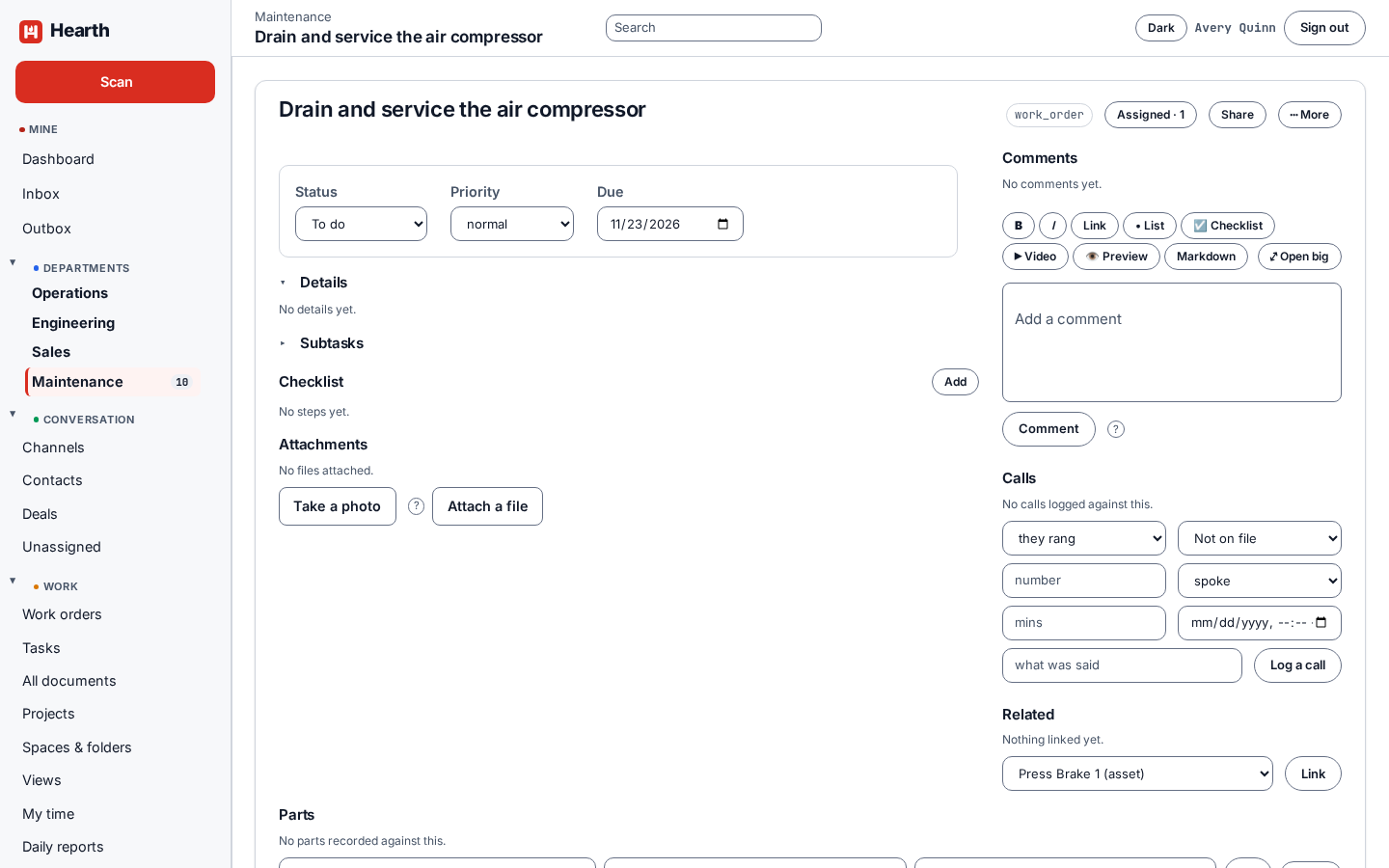
Link a work order to the asset it is for from Related. The asset then shows the effort spent on it.
Preventive maintenance
Open Maintenance to see the completed and on-time rates for a period, and to add a schedule. Pick the asset and the interval. A schedule with a procedure attached raises the whole job, checklist included. Without one, it raises a work order with a title. Rates are counted from occurrences, so renaming or deleting a job does not change what the record says was due.
Parts
Parts tracks what you stock, and the movements of parts consumed, received, returned, or adjusted.