Spaces and departments
A department is the top level of how Hearth files work. Folders and projects live inside departments, and tasks, documents, and work orders live inside those.
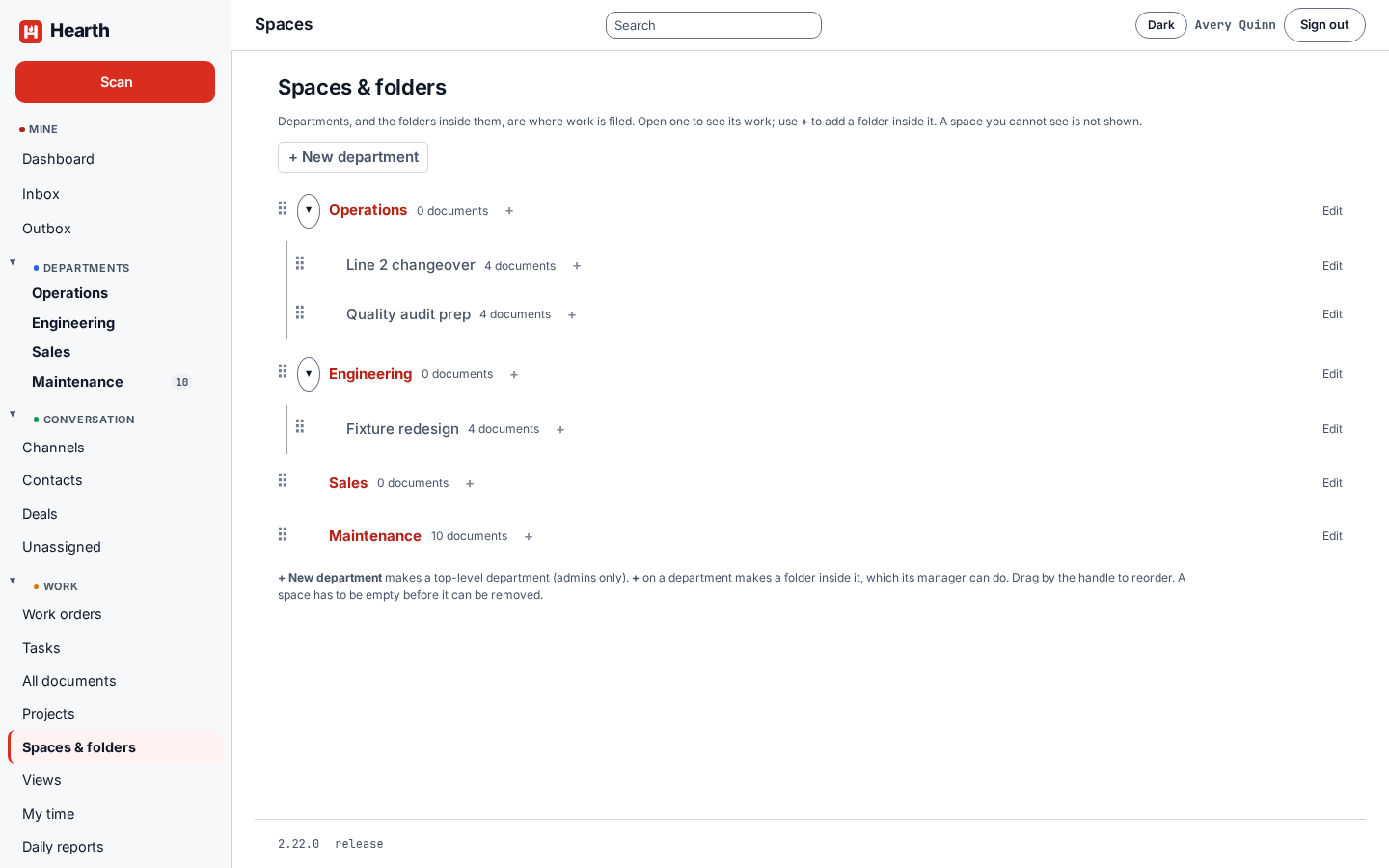
Working with them
Open Spaces & folders in the rail.
- New department creates a top-level department. Only admins can do this.
- + beside a department adds a folder or project inside it. A department's manager can do this.
- Drag the handle to reorder.
- Edit renames a space.
- A space has to be empty before it can be removed.
Departments also appear in the left rail under Departments, with a count of the work inside each one.
Who sees what
Hearth shows each person what its grants say they can see, and nothing else. A space you cannot see is not shown to you at all.
People can belong to several departments. Open My departments under Settings, tick every department you belong in, and save. It takes effect at once. Your departments decide who approves your hours and time off, and which departments you can open and file work into.
Daily reports
Every organization has a Daily reports department that is open to everyone, so anyone can file their end-of-day report there while seeing only their own. See Time.