First steps
This is the first hour in a new Hearth, in the order that saves rework.
1. Create the owner account
The first time you open a new Hearth, it asks you to claim it. Enter your organization's name, your name, your email, and a password of at least twelve characters. Length counts for more than punctuation, so a passphrase works well.
That account is the owner. The owner can do everything, so keep the password in your password manager.
2. Make departments
Open Spaces & folders and choose New department. A department is where work is filed: Operations, Engineering, Sales, Maintenance, or whatever your company calls its groups. Use + on a department to add folders and projects inside it. See Spaces and departments.
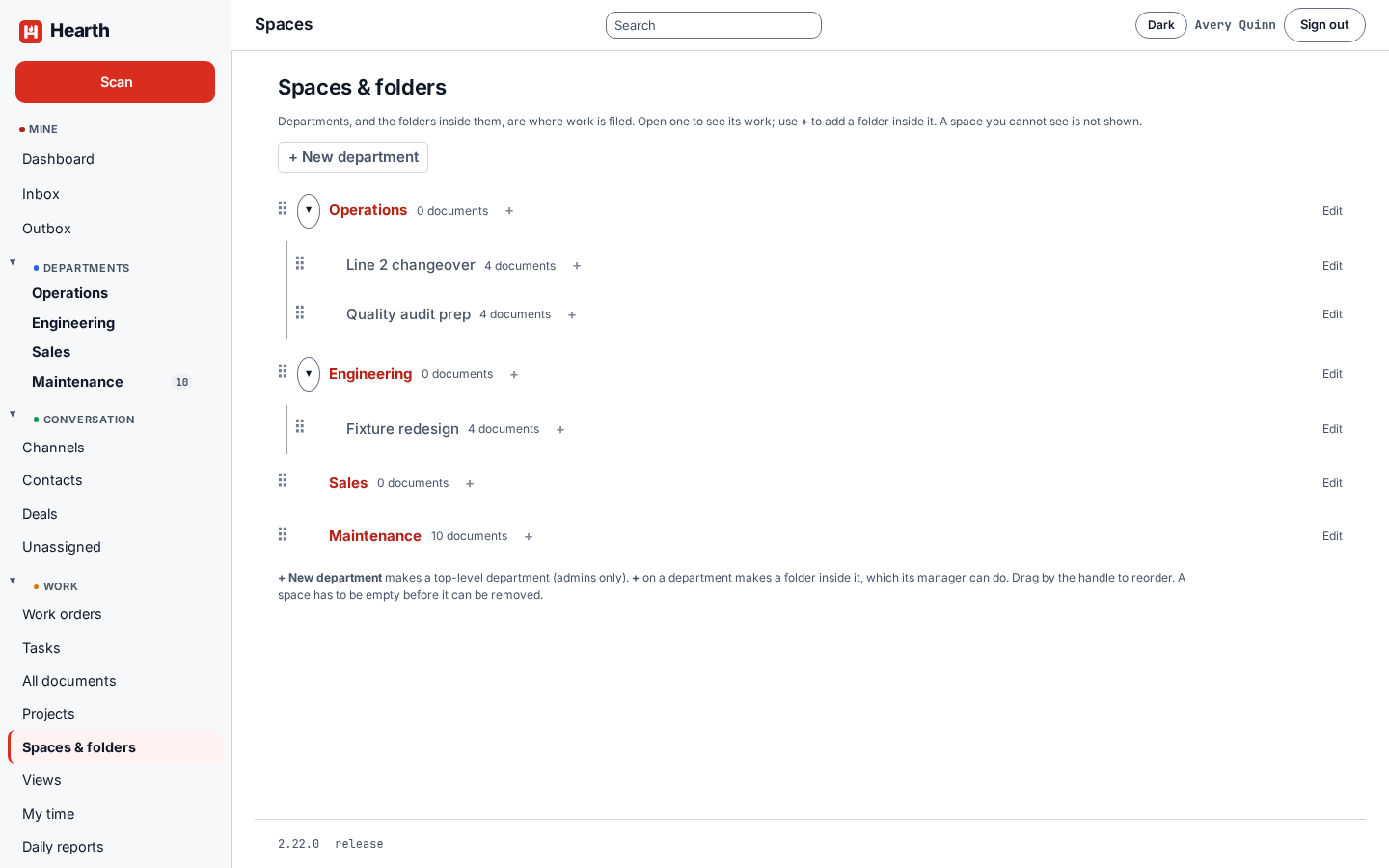
3. Add people
Open Settings, then People. Add each person with a name, an email, and a starting password, and put them in their departments. A person can belong to more than one. If you configured single sign-on, people can also sign in with your provider.
Under Teams you can group people for permissions. The team called Sales is special: its members work the CRM.
4. File a task
Open Tasks and choose New, or type a title into the Add a task row under any group. Give it a status, a priority, a due date, and an assignee. Tasks shows what else a task can hold.
5. Log some time
Open My time to start a timer or add an entry by hand. Time covers approvals and reports.
6. Connect an assistant, if you want one
Hearth has an assistant connector, so an assistant can search, read, and update Hearth as you. See Assistant connector.
7. Take a backup
Run hearthctl backup on a schedule, and run hearthctl verify on what it wrote. The Helm chart includes a backup job. Test a restore once, on a spare database, before you need it.