Documents
Open All documents to see everything you can access in one list, or open a department, folder, or project to see only what is filed there.
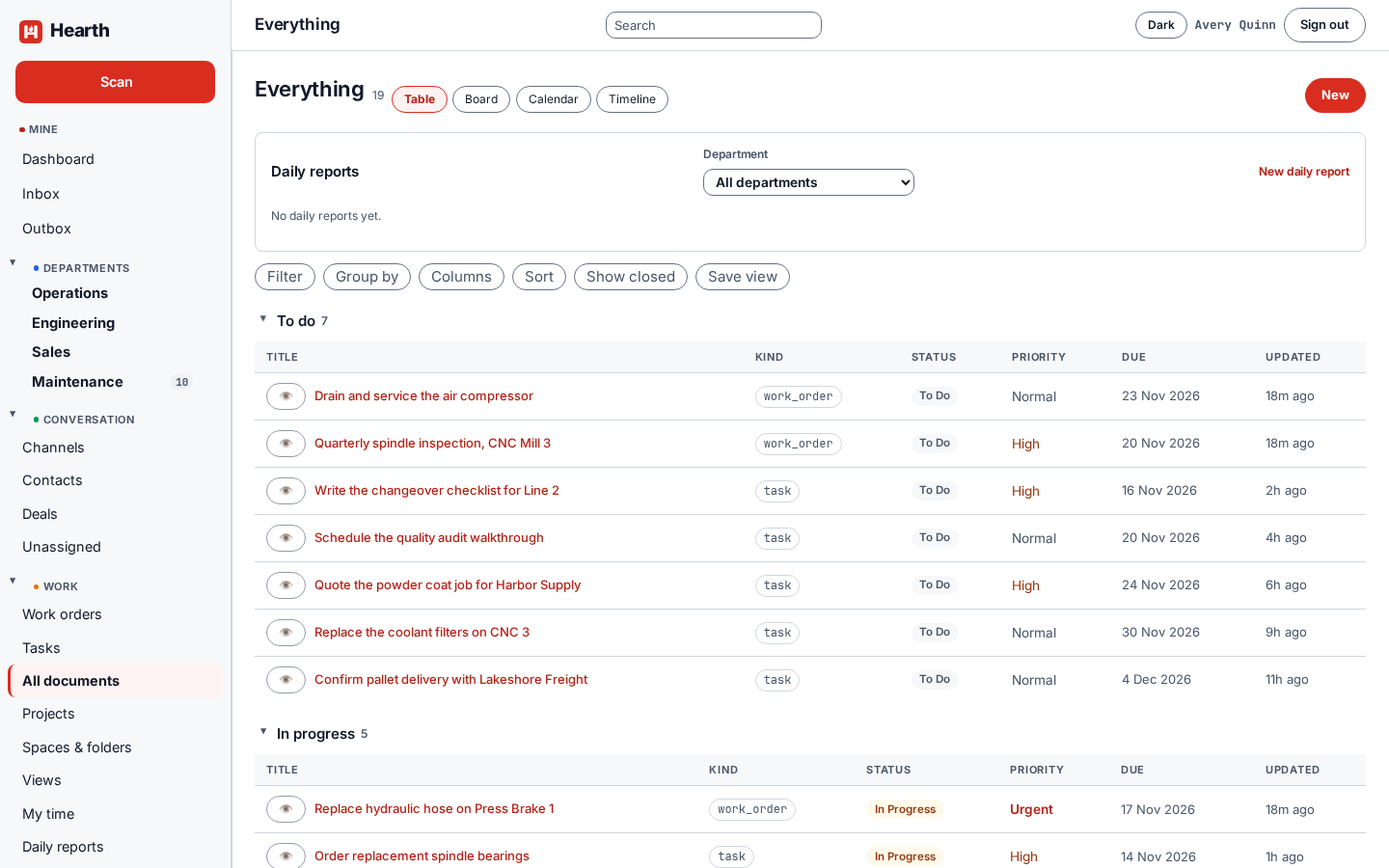
Kinds of document
Everything in Hearth is a document with a kind: a task, a work order, an asset, a plain document, a wiki page, a note, or a template. The same filters, views, comments, attachments, and grants work on all of them, which is why a task can link to an asset and a note can attach to a deal.
Writing
The editor handles bold and italic, links, lists, checklists, and video. Preview shows the finished page, Markdown shows the source, and Open big gives you a full-screen editor. Comments use the same editor.
Templates
A template is a document with the kind template. Using it copies its body, its custom fields, and its checklist, with every box unticked. Find them under Templates. Use one for the work you do the same way every time.
Searching
The search box at the top searches titles and bodies, and it only returns what you are allowed to see. Search works with Postgres alone. You can add OpenSearch for typo tolerance. See Install Hearth.
Attachments
Attach files to any document, or take a photo from your phone. Files are stored in your object storage and checked by digest.