Sign in and your account
Claim a new Hearth
A new Hearth has no accounts. The first time you open it, it shows Set up Hearth and asks you to create the owner account: your organization's name, your name, your email, and a password of at least twelve characters.
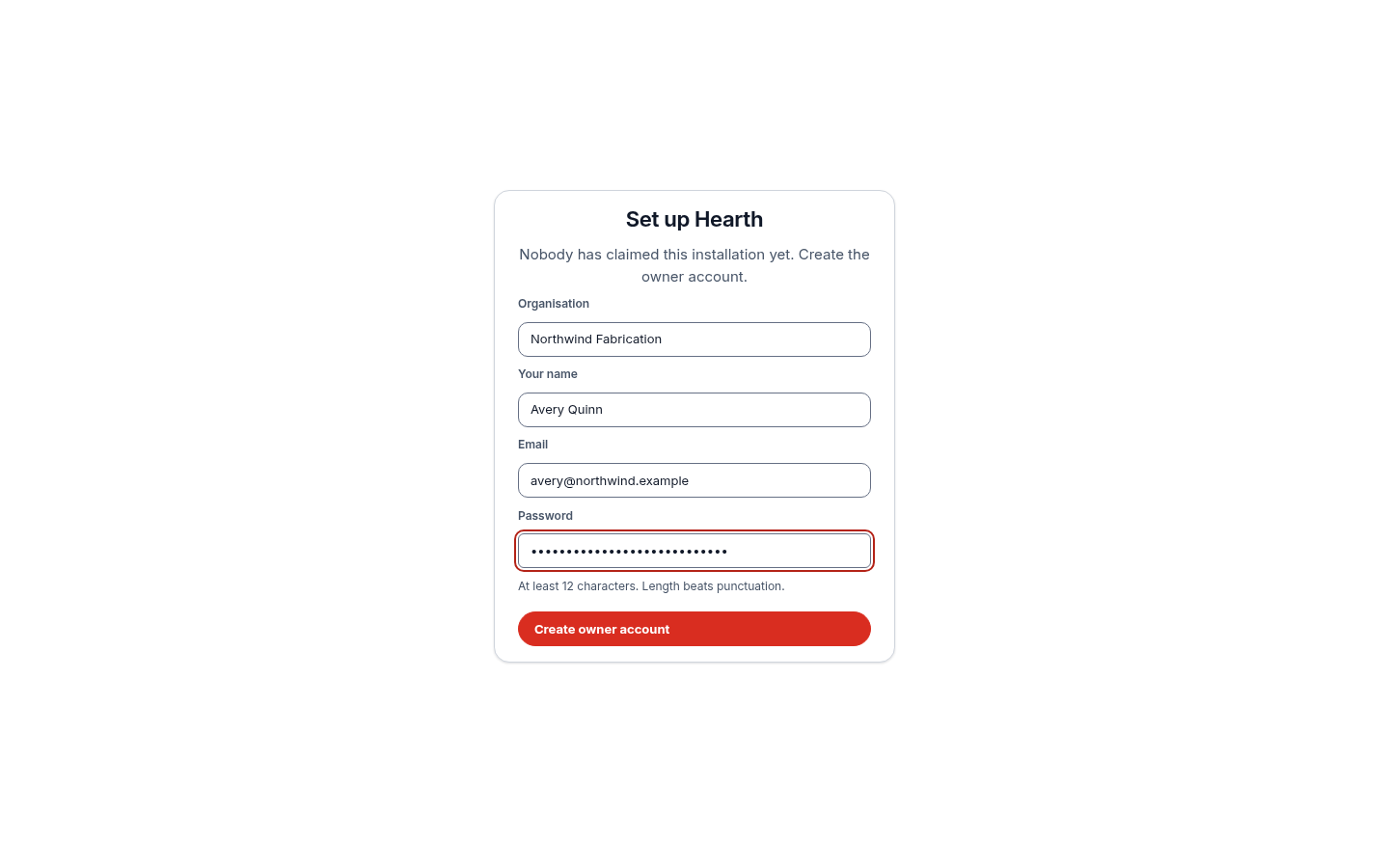
The first person to reach the page claims the installation, so open it yourself before you share the address. After that the page is gone and everyone signs in.
Sign in
Open your Hearth address and enter your email and password.
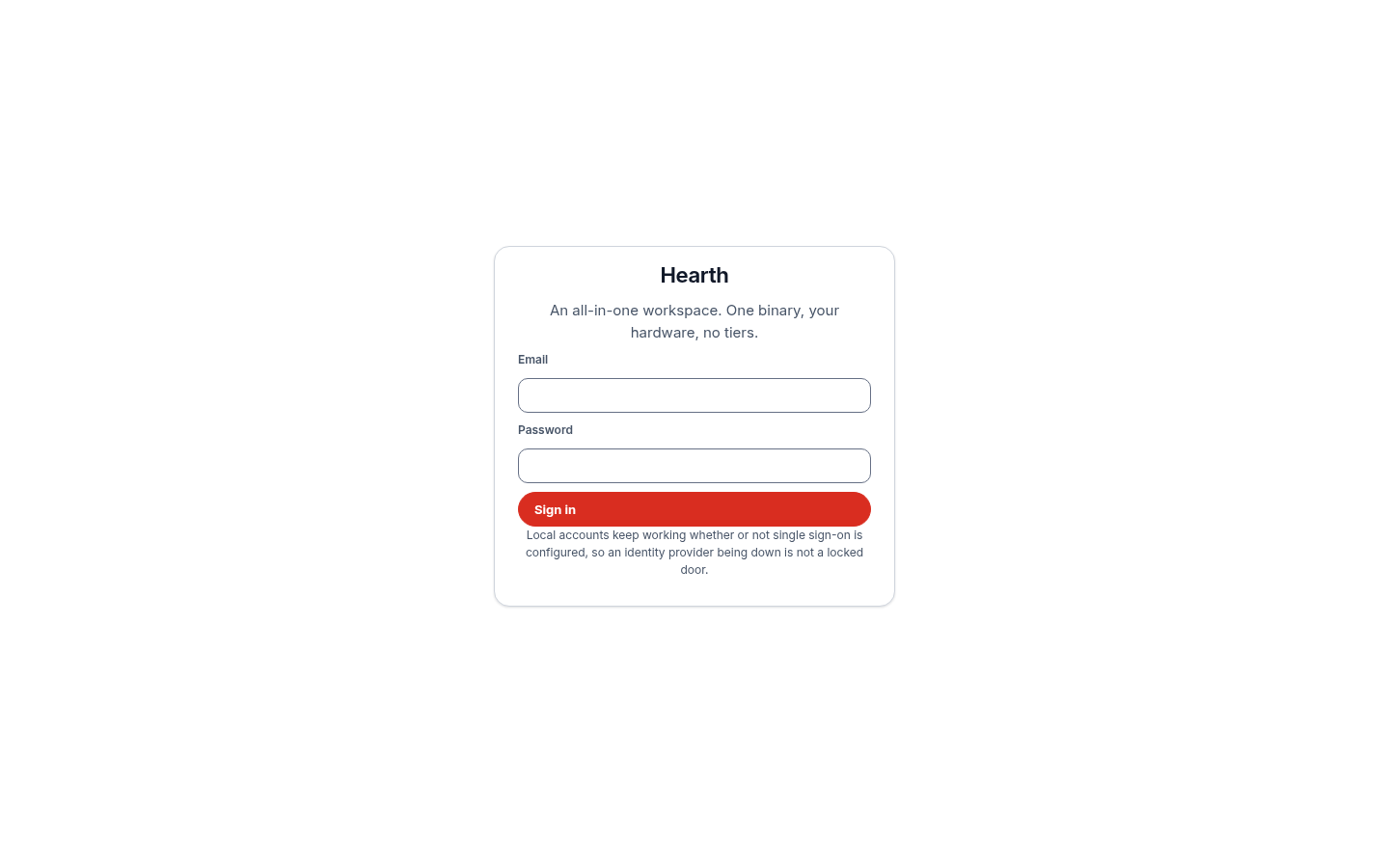
If your administrator connected single sign-on, the page also shows Sign in with single sign-on. Choose it to sign in with your company's identity provider, such as Vord, Google, or Microsoft. Local accounts keep working beside single sign-on, so an identity provider that is down never locks everyone out.
A new account made by an administrator can arrive in two ways. If the administrator typed a starting password, Hearth makes you choose your own before it opens anything else. If the administrator left the password blank, they get a one-time link for you instead, which opens a page where you choose your password. The link works once and expires after 24 hours.
Your account page
Open Settings, then Password and sign-in.
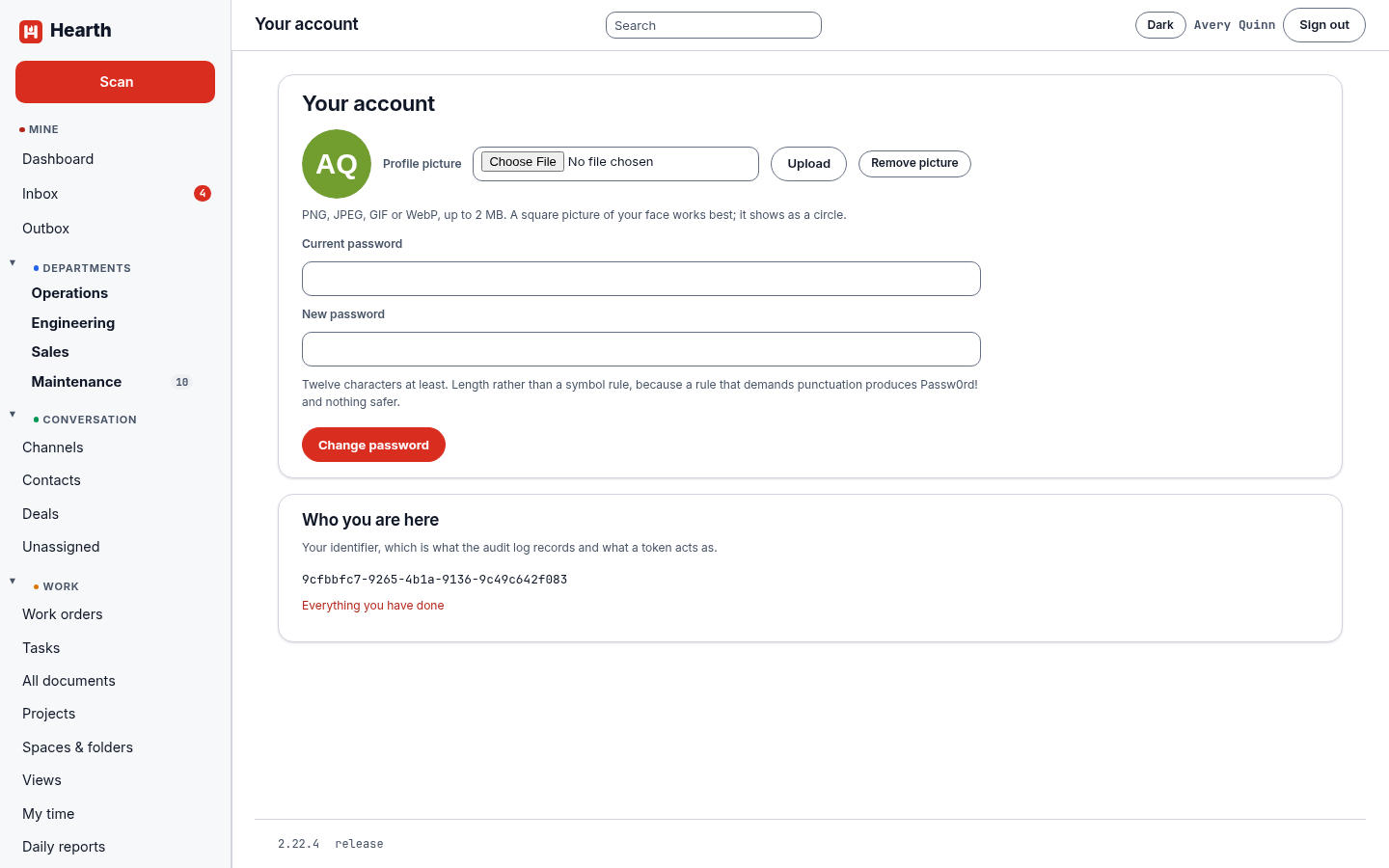
- Profile picture. Upload a PNG, JPEG, GIF, or WebP image up to 2 MB. It shows as a circle beside your name.
- Change password. Enter your current password and a new one of at least twelve characters. Length counts for more than punctuation, so a passphrase is a good choice.
- Who you are here. Your identifier is what the audit log records and what an API token acts as. Everything you have done opens the audit log filtered to you.
- Google. If your administrator turned on the Google connection, you can connect your own Google account here. Hearth then reads and writes as you, and sees only what you can see. You choose what to allow: read your calendar into Hearth, put Hearth events in your Google calendar, read your mail, or send mail as you. Disconnect ends it at once.
Departments
Open My departments from Settings and tick every department you belong in. It takes effect at once. Your departments decide who approves your hours and time off, and which departments you can open and file work into. See Spaces and departments.
Notifications
Email, the daily digest, and quiet hours are under Notifications in Settings, and on your phone you can turn on push notifications. See Notifications.
If you cannot sign in
- Check the email address, which is not case sensitive.
- After ten wrong passwords in a row Hearth locks the account for 15 minutes. Wait, or ask an administrator.
- An administrator can use Reset password on your page under People to make you a new link, and can suspend or reinstate an account. See Administer Hearth.